The Future of Web Dev
The Future of Web Dev
Modern React UI Component Library for Next.js – Nurui
Modern React component library with CLI scaffolding. Add customizable UI components to your Next.js projects with simple commands.
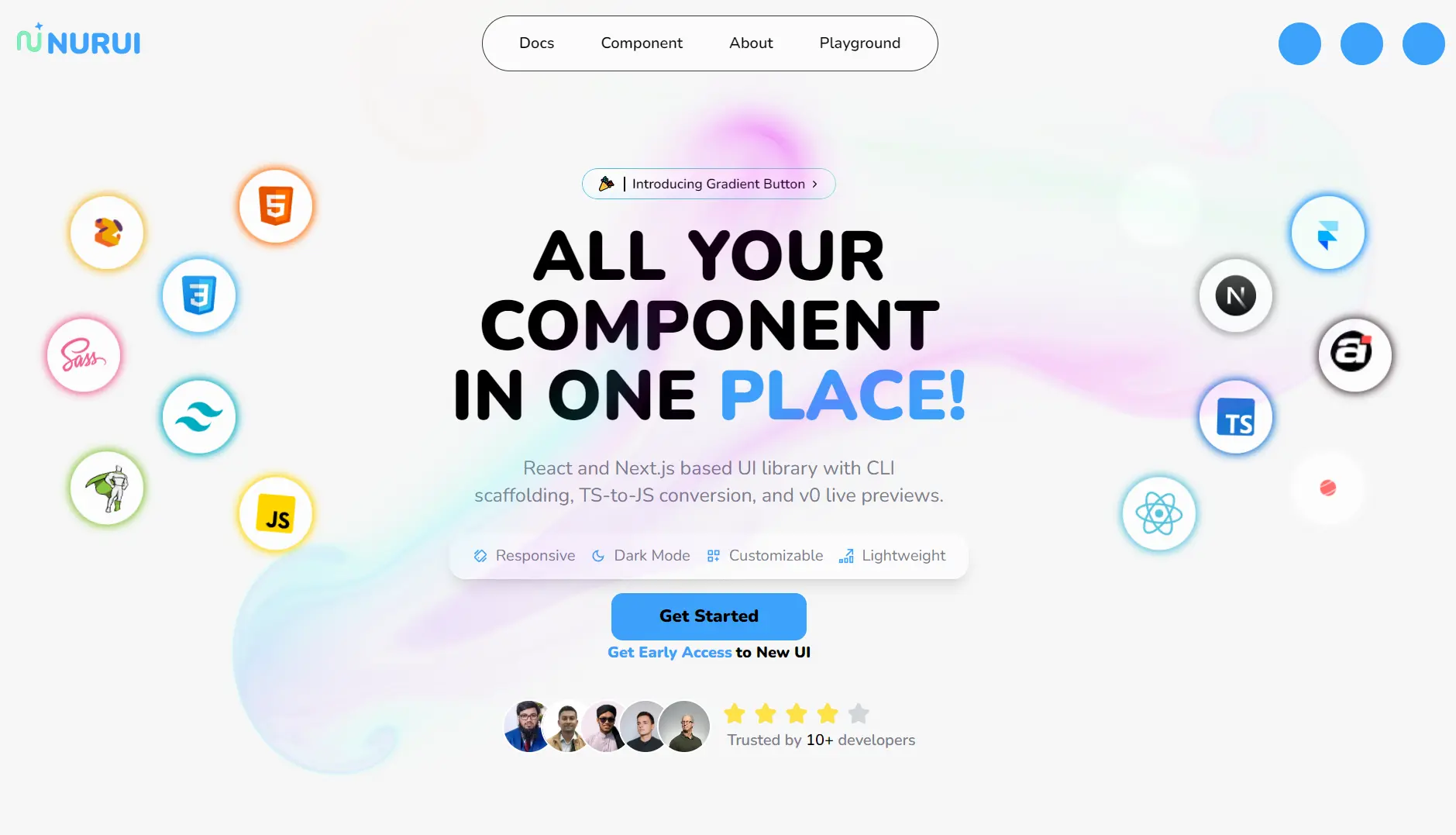
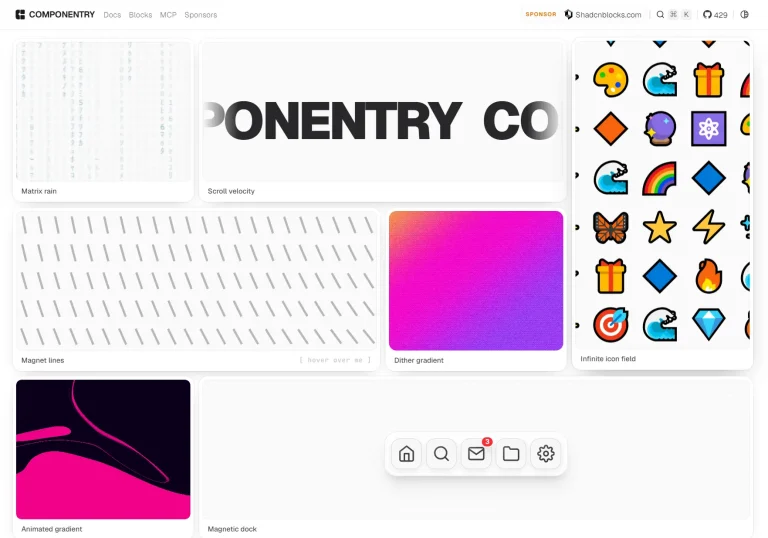
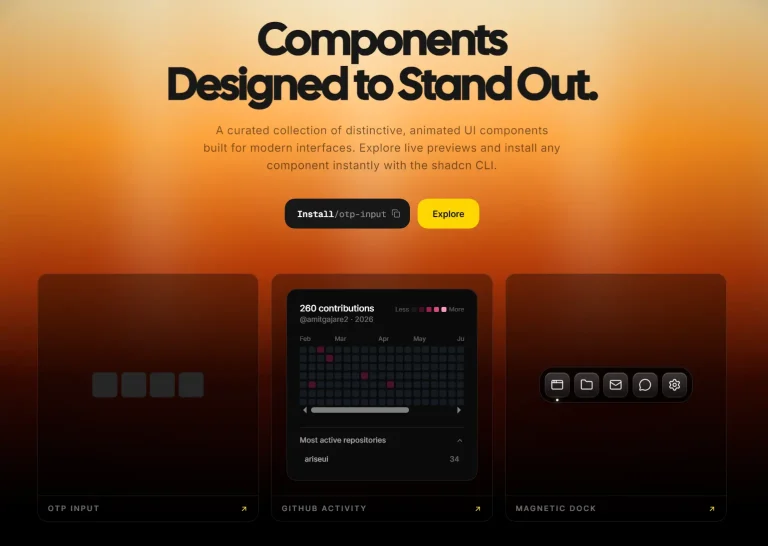
Nurui is a modern UI component library for React and Next.js that provides CLI scaffolding, automatic TypeScript to JavaScript conversion, and live component previews.
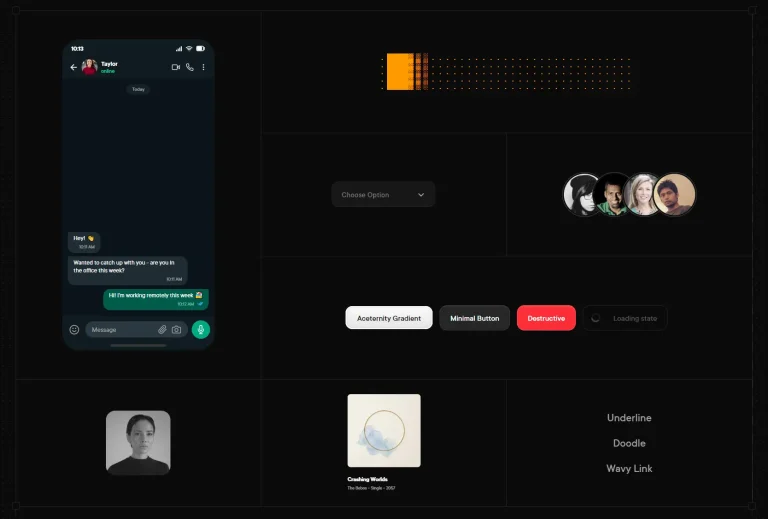
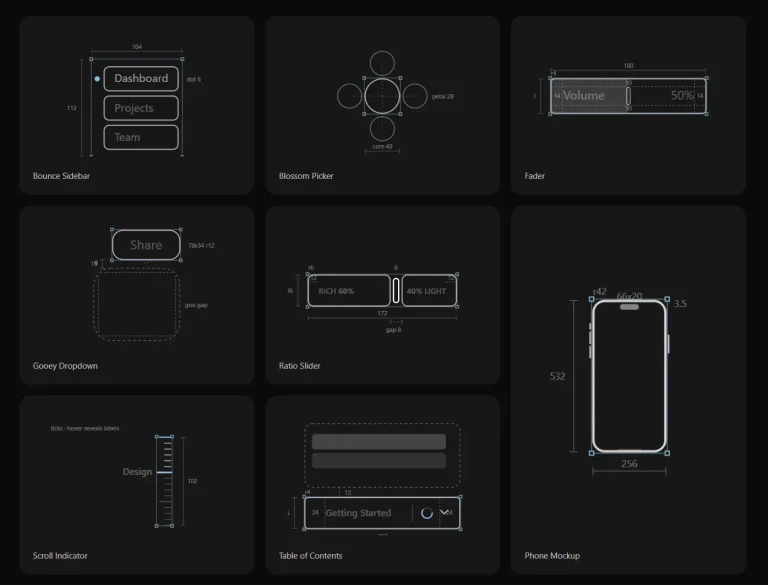
It helps you build modern, animated user interfaces through a collection of pre-built and customizable components & sections.
Features
⚡ CLI Scaffolding – Add components directly to your project with simple commands
🔄 TypeScript to JavaScript Conversion – Automatic code conversion based on your project needs
👀 Live Component Previews – See components in action before adding them to your project
🎨 Full Customization – Theme support with dark/light mode compatibility
🏃 Fast Performance – Optimized components with low latency and lightweight footprint
📱 Responsive Design – Components adapt to different screen sizes automatically
🔧 Easy Integration – Works with existing React and Next.js projects
📦 Component Variety – Extensive collection covering buttons, forms, layouts, and animations
Use Cases
- Building a Marketing Website: You can use components like
premium testimonial,grid feature, andproject showcaseto quickly assemble a professional-looking marketing page. - Developing a SaaS Dashboard: Components such as
animated pricing,info, andfeatureare ideal for constructing the user interface of a software-as-a-service application. - Creating an Interactive Portfolio: Use dynamic components like
following eye,magnet, andhover shadowto create a unique personal or professional portfolio. - Launching an E-commerce Storefront: Implement
product showcaseandcontactform components to build out the front-end of an online store.
Installation
You can view the complete list of available components by running the following command in your terminal:
npx nurui listThis command displays all components supported by Nurui. To add a specific component, such as a gradient button, use the add command:
npx nurui add gradient-buttonThis will create the component file at components/nurui/GradientButton.tsx in your project directory.
Usage
After adding a component, you can import it into your React or Next.js files. For example, to use the GradientButton component, you would add the following import statement to your page:
import { GradientButton } from "@/components/nurui/GradientButton";
export default function Home() {
  return (
    <div>
      <GradientButton />
    </div>
  );
}
Development
# Clone the repository
git clone https://github.com/afsar-dev/Nurui.git
cd Nurui
# Install dependencies
yarn install
# Start development server
yarn dev
The development server runs at http://localhost:3000.
FAQs
Q: What frameworks does Nurui support?
A: Nurui is optimized for React and Next.js projects. Support for additional frameworks is under consideration for future releases.
Q: Can I customize the generated components?
A: Yes, all components are fully customizable. You can modify the generated files, override styles, and adapt them to your design system.
Q: How does the TypeScript to JavaScript conversion work?
A: The CLI automatically detects your project setup and generates components in the appropriate language format based on your configuration.