The Future of Web Dev
The Future of Web Dev
Copy-Paste UI Components for Remotion – remocn
A shadcn-compatible registry of 64+ animation components for Remotion. Copy primitives and full video scenes into your project.
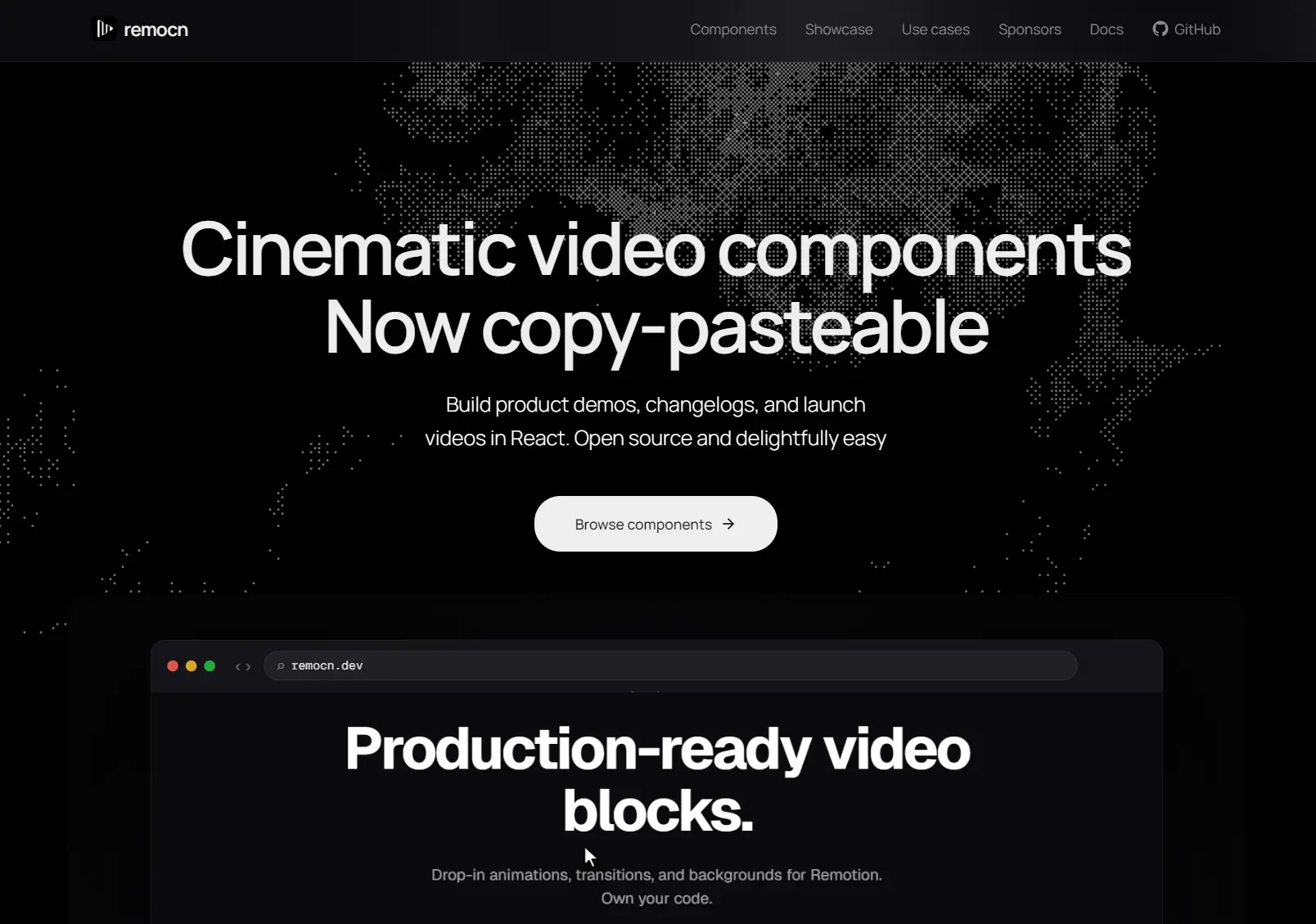
remocn is a Shadcn-compatible component registry that provides a set of animation components for Next.js/Remotion video projects.
The library currently includes 64+ UI components built with Remotion and React, styled with Tailwind CSS.
Components fall into five categories: text animations, backgrounds and visual primitives, transitions and wipes, UI blocks, and full video compositions.
You can easily adjust easing curves, spring physics, or timing values without fighting a third-party API.
Features
✂️ Copy-Paste Installation: Each component copies into your project as an editable source file via the shadcn registry CLI.
🔓 Full Code Ownership: Every file lives in your repo and stays under your control.
📝 Text Animation Suite: Covers blur reveal, typewriter, shimmer sweep, slot machine roll, matrix decode, RGB glitch, kinetic type mask, infinite marquee, and more.
🌅 Background Primitives: Mesh gradient background, dynamic grid, spring pop-in, and pulsing indicator components.
🎞️ Transition and Wipe Collection: Chromatic aberration wipe, frosted glass wipe, directional wipe, grid pixelate, spatial push, and zoom-through transition.
🖥️ UI Block Components: Glass code block, terminal simulator, browser flow, toast notification, animated charts, code diff wipe, device mockup zoom, simulated cursor, morphing modal, and progress steps.
🎥 Scene Compositions: Ideo sequences, including product launch trailer, hero device assemble, changelog bite, pricing tier focus, landing code showcase, and more.
Use Cases
- Build a product launch trailer from prebuilt scene compositions.
- Record a feature walkthrough using the browser flow and simulated cursor components for a polished demo-style recording.
- Produce a changelog clip by combining the changelog bite composition with text animation primitives.
- Assemble a pricing page showcase video using the pricing tier focus scene and animated chart blocks.
How to Use It
1. remocn requires an existing Remotion project. If you are starting fresh, scaffold one first:
npx create-video@latestThen navigate into the project directory before continuing.
2. remocn uses the shadcn registry format. If your project does not already have a components.json, run the shadcn init command:
npx shadcn@latest initAccept the default prompts. remocn components are framework-agnostic and only depend on the path aliases that components.json configures. You do not need to select a specific UI style.
3. Use the shadcn CLI to pull any remocn component into your project. The following example adds the Blur Reveal text animation:
# pnpm
pnpm dlx shadcn@latest add @remocn/blur-reveal
# yarn
yarn dlx shadcn@latest add @remocn/blur-reveal
# npm
npx shadcn@latest add @remocn/blur-reveal
# bun
bunx shadcn@latest add @remocn/blur-reveal
The command copies blur-reveal.tsx into your components directory (the path set in components.json, typically components/remocn/). That file is now yours to edit.
4. Import the component and register it with Remotion’s <Composition> element in your root file:
import { Composition } from "remotion";
import { BlurReveal } from "@/components/remocn/blur-reveal";
export const RemotionRoot = () => (
  <Composition
    id="BlurRevealDemo"
    component={BlurReveal}
    durationInFrames={90}
    fps={30}
    width={1280}
    height={720}
    defaultProps={{ text: "Hello, world" }}
  />
);
Each component accepts its own defaultProps shape. Check the component file itself after copying it to see what props it exposes.
5. Render to Video:
Preview the composition in the Remotion Studio:
npx remotion studioWhen you are ready to export, render the composition to an MP4:
npx remotion render BlurRevealDemo out.mp4Replace BlurRevealDemo with the id value you set on the <Composition> element.
6. Full compositions like the Product Launch Trailer work the same way. Add the scene:
pnpm dlx shadcn@latest add @remocn/product-launch-trailerThen register and render it:
import { Composition } from "remotion";
import { ProductLaunchTrailer } from "@/components/remocn/product-launch-trailer";
export const RemotionRoot = () => (
  <Composition
    id="LaunchTrailer"
    component={ProductLaunchTrailer}
    durationInFrames={300}
    fps={30}
    width={1920}
    height={1080}
    defaultProps={{}}
  />
);
Open the source file to review and edit the composition’s internal scenes, timing, and content before rendering.
7. Visit the official documentation website to preview all 64+ components with live interactive demos. Each component page shows the exact npx shadcn add command to copy it into your project.
Related Resources
- Remotion: The React-based framework for building videos programmatically.
- shadcn/ui: The original copy-paste component system.
- Motion: A production animation library for React.
FAQs
Q: Can I use remocn without shadcn/ui installed in my project?
A: You need the components.json file that the shadcn CLI generates, but you do not need shadcn’s UI component set.
Q: Do remocn components add a package dependency to my project?
A: No. The CLI copies the component source file directly into your project. After that, the only dependencies are Remotion itself and whatever packages were already in your project.
Q: Where do copied components land in my project?
A: The components.json file controls the output path. By default, shadcn points to components/, so remocn files land in components/remocn/. You can change the base path in components.json before running the add command.