The Future of Web Dev
The Future of Web Dev
SolidJS Route Progress Bar with CSS Trickling
Track SolidJS route changes, Suspense waits, fetches, and cross-document navigation with one configurable top progress bar.
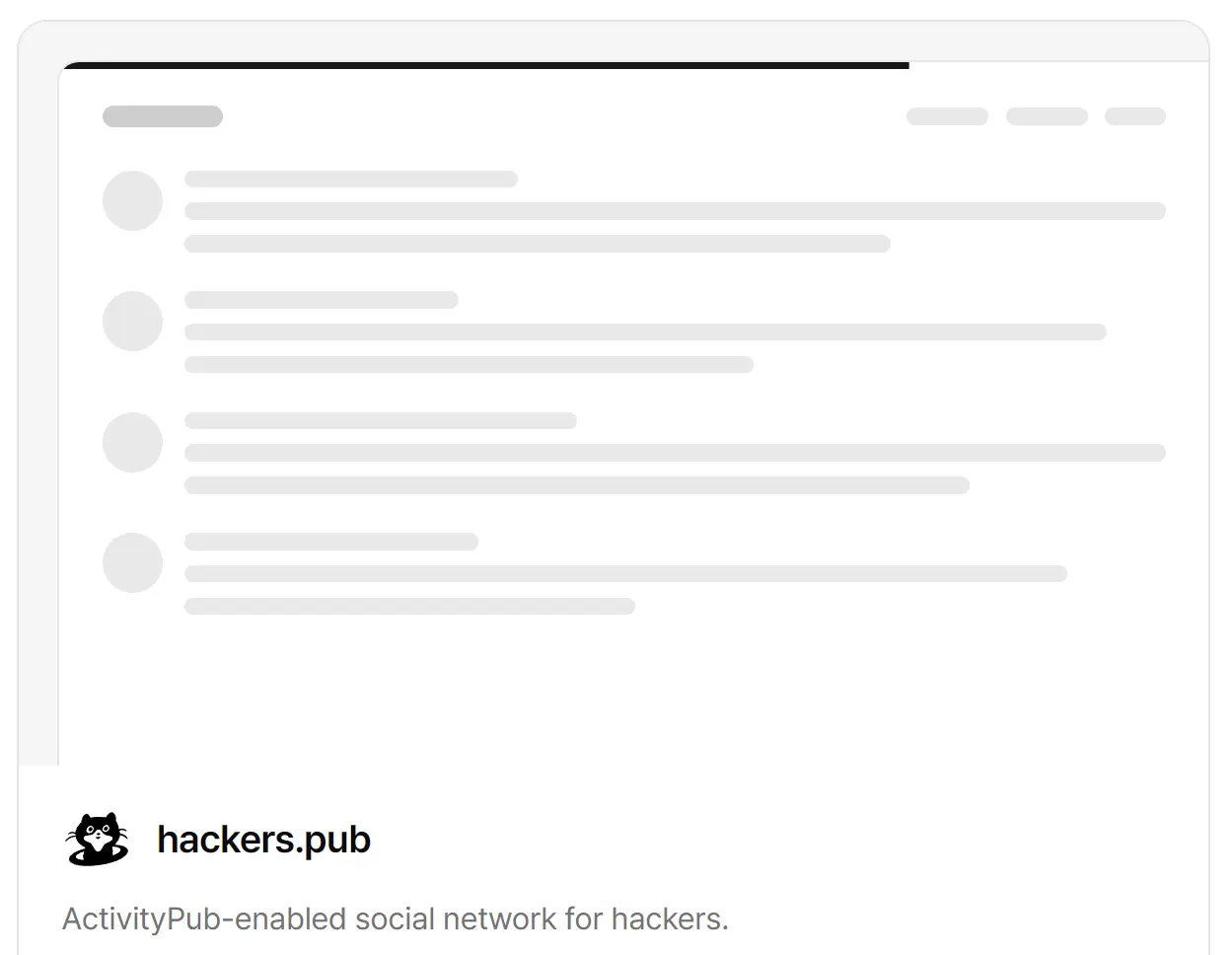
solid-route-progress is a SolidJS and SolidStart route progress library that creates a thin top loading bar to route transitions and tracked async work.
<RouteProgress /> follows useIsRouting(), skips navigations that finish inside the default 200 ms delay, and moves toward completion through one CSS transition.
Features
- One
<RouteProgress />integration for<A>clicks,navigate(), back/forward, action redirects, and route<Suspense>waits. - 200 ms default delay. Quicker navigations draw nothing.
- CSS trickling toward 95%, with timing, easing, color, height, and stacking order exposed through options and CSS variables.
- Shared holds for route changes, tracked promises, and manual
start()calls. - Cross-document tracking for page-started external links, form posts, location changes, and
reload()where the Navigation API is present. - Tailwind v4-friendly cascade-layer CSS plus state and busy hooks.
- Server-rendered progress markup with
role="progressbar", RTL behavior, and forced-colors styling.
How To Use It
Install the package:
npm i solid-route-progressImport the stylesheet once:
/* src/app.css */
@import 'tailwindcss'; /* optional */
@import 'solid-route-progress/style.css';Basic SolidStart Usage
Render <RouteProgress /> inside <Router>:
// src/app.tsx
import { Router } from '@solidjs/router'
import { FileRoutes } from '@solidjs/start/router'
import { Suspense } from 'solid-js'
import { RouteProgress } from 'solid-route-progress/router'
import './app.css'
export default function App() {
  return (
    <Router
      root={(props) => (
        <>
          <RouteProgress />
          <Suspense>{props.children}</Suspense>
        </>
      )}
    >
      <FileRoutes />
    </Router>
  )
}
RouteProgress Props
When a <ProgressProvider> supplies the controller, set trickleTo, delay, stopDelay, and speed on the provider. Values passed to <RouteProgress /> for those four options are ignored in that setup.
| Prop | Default | Purpose |
|---|---|---|
shallow | false | Skip navigation when only the search string or hash changes. |
filter | Return false to skip a route navigation. | |
crossDocument | true | Track page-started navigation that leaves the document. Accepts false or { timeout, filter }. |
trickleTo | 0.95 | Value the bar drifts toward during loading. |
delay | 200 | Milliseconds before the bar becomes visible. |
stopDelay | 0 | Milliseconds before completion after the final hold releases. |
speed | 200 | Milliseconds for explicit progress moves, completion, and fades. |
controller | nearest controller or a new one | Drive the bar from an existing controller. |
label | Loading | Accessible name for the progress bar. |
getValueLabel | Generate aria-valuetext after explicit set() progress. | |
busyAttribute | true | Set data-sp-busy on <html> while the bar is visible. |
ariaBusy | false | Set aria-busy="true" on <html> while the bar is visible. |
children | <Bar /> | Replace the default bar template. |
class, style, other div attributes | Forward attributes to the root progress element. |
Track Fetches and Other Async Work
Place <ProgressProvider> inside the router root when descendant components need useProgress():
import { Router } from '@solidjs/router'
import { FileRoutes } from '@solidjs/start/router'
import { Suspense, type ParentProps } from 'solid-js'
import { ProgressProvider } from 'solid-route-progress'
import { RouteProgress } from 'solid-route-progress/router'
function Root(props: ParentProps) {
  return (
    <ProgressProvider>
      <RouteProgress />
      <Suspense>{props.children}</Suspense>
    </ProgressProvider>
  )
}
export default function App() {
  return (
    <Router root={Root}>
      <FileRoutes />
    </Router>
  )
}
Track a Fetch
import { useProgress } from 'solid-route-progress'
function SaveButton() {
  const progress = useProgress()
  const saveItems = async () => {
    await progress.track(
      fetch('/api/items', {
        method: 'POST',
        body: JSON.stringify({ status: 'saved' }),
      }),
    )
  }
  return <button onClick={saveItems}>Save items</button>
}
Progress Controller API
Create a standalone controller when a provider or progress component does not own one:
import { createProgress } from 'solid-route-progress'
const progress = createProgress({ delay: 300 })| API | Purpose |
|---|---|
start() | Take one hold and return a release function. |
done(outcome?) | Drop every hold and complete after stopDelay. |
set(value) | Move to a value from 0 to 1; 1 completes the bar. |
track(promise, { timeout? }) | Hold until the promise settles and return that promise unchanged. |
value() | Read the controller value from 0 to 1. |
state() | Read idle, trickle, active, or done. |
active() | Read the visibility state. |
error() | Read the failed state during the done phase. |
options | Read the controller options. |
Styling and Tailwind CSS
:root {
  --sp-color: oklch(0.62 0.19 264);
  --sp-height: 2px;
}| CSS Property | Default | Purpose |
|---|---|---|
--sp-color | oklch(0.65 0.14 241) | Bar color. |
--sp-height | 3px | Bar thickness. |
--sp-z-index | 9999 | Stacking order. |
--sp-start | 0.08 | Revealed starting value. |
--sp-trickle-duration | 10s | Duration of the loading drift. |
--sp-trickle-easing | linear(...) | Easing curve for the drift. |
--sp-speed | speed option | Read-only CSS value for short transitions. Set it through speed. |
State Hooks
| Hook | Location | Active State |
|---|---|---|
| `data-state=”idle | trickle | active |
data-error | Progress bar | Failed load during the done state. |
data-sp-busy | <html> | Any progress bar is visible. |
Tailwind Utilities
Tailwind utilities can override the package stylesheet:
<RouteProgress class="h-1 data-[state=done]:opacity-50" />Ignore or Filter Route Navigation
<RouteProgress
  shallow
  filter={(to) => !to.startsWith('/admin')}
/>
<A href="/settings" data-sp-ignore>
  Settings
</A>
Use It Outside @solidjs/router
Render <NavigationProgress /> for apps that use the browser Navigation API in place of @solidjs/router:
import { NavigationProgress } from 'solid-route-progress/navigation'
import 'solid-route-progress/style.css'
export function Layout(props) {
  return (
    <>
      <NavigationProgress />
      {props.children}
    </>
  )
}| Prop | Default | Purpose |
|---|---|---|
filter | Return false to skip a navigate event. | |
timeout | 10000 | Release a cross-document hold after this many milliseconds if the page never unloads. Set 0 to disable the timeout. |
Runtime API Map
| Export | Import | Role |
|---|---|---|
<RouteProgress /> | solid-route-progress/router | Progress bar bound to @solidjs/router. |
createRouteProgress() | solid-route-progress/router | Bind an existing controller to Solid Router. |
<NavigationProgress /> | solid-route-progress/navigation | Router-agnostic bar driven by the Navigation API. |
createNavigationProgress() | solid-route-progress/navigation | Bind an existing controller to the Navigation API. |
<Progress /> | solid-route-progress | Render the base progress bar for a controller. |
<ProgressProvider> | solid-route-progress | Supply a controller to descendant components. |
<Bar /> | solid-route-progress | Render the default sliding bar template. |
useProgress() | solid-route-progress | Read the nearest progress controller. |
createProgress() | solid-route-progress | Create a standalone controller. |
createCrossDocumentProgress() | solid-route-progress | Bind an existing controller to cross-document navigation only. |
ProgressContext | solid-route-progress | Low-level Solid context for custom integrations. |
IGNORE_ATTRIBUTE | solid-route-progress | Export the data-sp-ignore attribute name. |
NProgress and BProgress Migration
| NProgress / BProgress | solid-route-progress |
|---|---|
minimum | --sp-start |
trickleSpeed, easing, speed | --sp-trickle-duration, --sp-trickle-easing, and speed |
color, height, template | --sp-color, --sp-height, and children |
parent | Render <Progress /> inside the container and position it with class. |
shallowRouting, targetPreprocessor | shallow, filter(to, from) |
promise() | track(promise) |
inc(), dec(), pause(), resume() | No direct equivalent. Use set(k / n) for known progress. |
Alternatives and Related Resources
- Show A Progress Bar When A React Transition Is Running – react-transition-progress
- Modern TypeScript Progress Bar Library – BProgress
- Google Like Slim Progress Bar Plugin – NProgress
- Customizable Top Loading Progress Bar – topbar
FAQs
Q: Why does the bar not appear on fast route changes?
A: The default delay is 200 ms. A navigation that finishes before the delay ends never draws the bar. Set delay={0} while testing if you need to see every route change.
Q: Why does a SolidStart action that only revalidates data show no progress bar?
A: Actions that revalidate without a redirect do not enter the router’s routing state. Read useSubmission(action).pending and take a hold with progress.start() for that action.
Q: What happens when the Navigation API is unavailable?
A: Normal @solidjs/router route tracking continues through useIsRouting(). Cross-document tracking and <NavigationProgress /> stay inactive.