The Future of Web Dev
The Future of Web Dev
Customizable Admin Dashboard Panel Template Using Next.js & shadcn/ui
Open-source shadcn/ui admin panel template with configurable navigation, 11 dashboard layouts, theme presets, and account page designs.

Studio Admin is a free, open-source admin dashboard template built with Next.js, TypeScript, Tailwind CSS, and shadcn/ui.
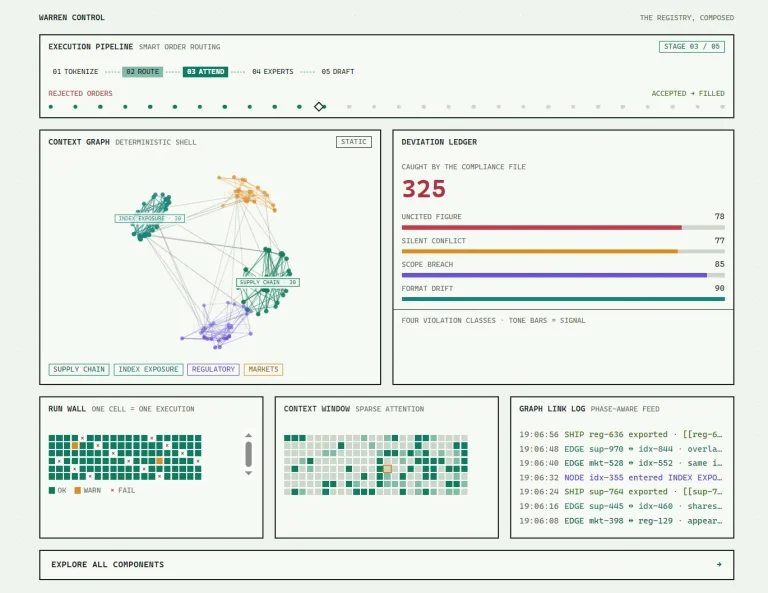
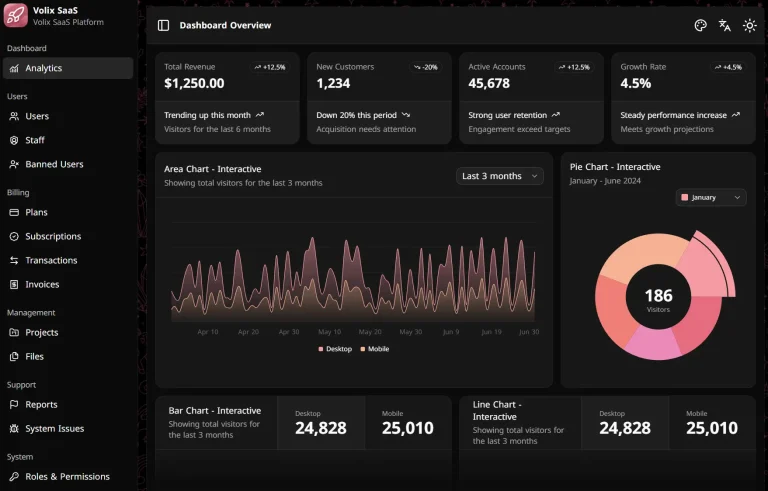
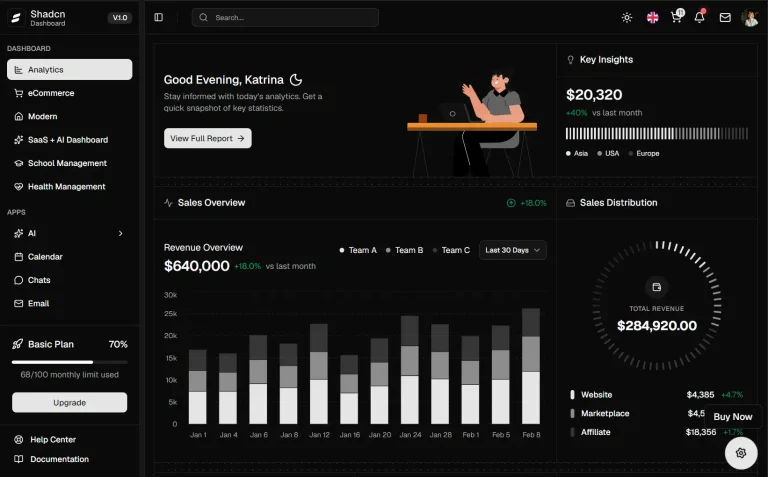
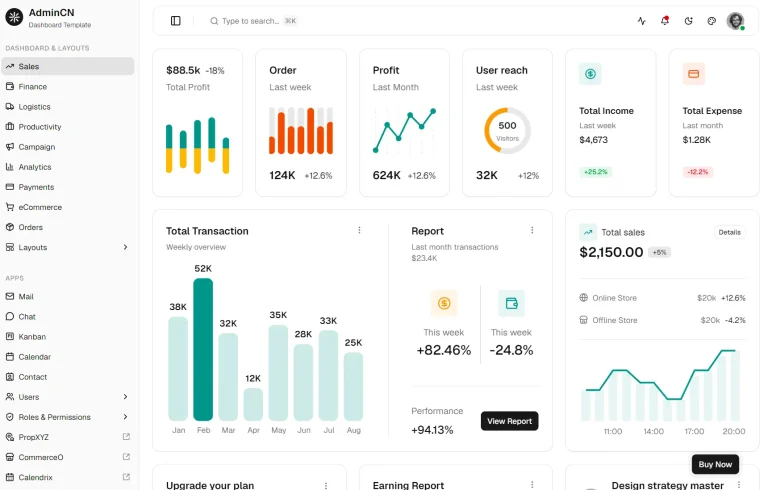
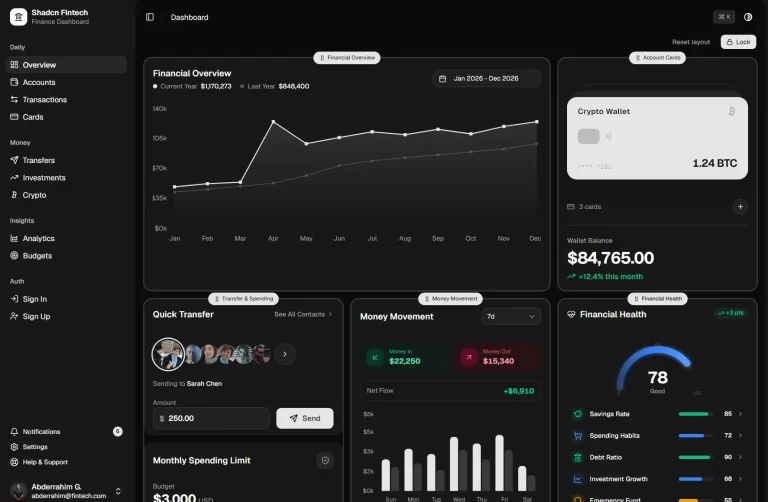
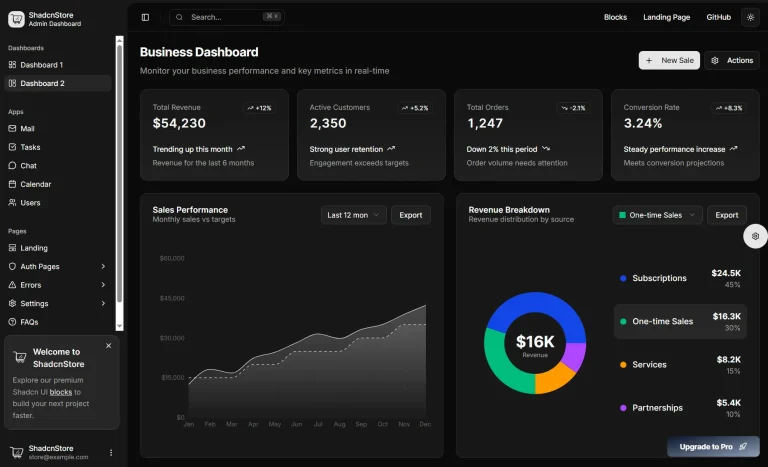
The template currently comes with 10+ dashboard layouts for CRM, finance, analytics, e-commerce, and other admin applications, with theme presets and adjustable sidebar navigation.
Features
📱 Responsive dashboard layouts for desktop, tablet, and mobile.
🌈 Light and dark modes with Tangerine, Neo Brutalism, and Soft Pop presets.
🔧 Collapsible sidebar navigation and adjustable content width.
🔐 Four prebuilt authentication screens for account UI.
📊 Eleven dashboards, including CRM, Finance, Analytics, E-commerce, File Manager, and Patient Monitoring.
📋 React Hook Form with Zod schema validation.
🗃️ Zustand state management for application preferences.
📈 TanStack Table data views with search, sorting, and row selection.
🎯 Colocated page components and feature logic in the Next.js App Router.
⚡ Biome code checks and Husky Git hooks.
Use Cases
- CRM Systems: Adapt the CRM dashboard and customer data views for lead tracking and sales reporting.
- E-commerce Admin Panels: Start from the e-commerce dashboard layout when designing product, inventory, and order management pages.
- Project Management Tools: Adapt the included Kanban board, Tasks page, and Calendar for team workflows.
- Financial Dashboards: Use the Finance layout, invoice page, and charts for reporting or accounting UI.
- Content Management Systems (CMS): Adapt the File Manager, Users, and Roles pages to design a content administration UI.
Development
Clone the repository from GitHub:
git clone https://github.com/arhamkhnz/next-shadcn-admin-dashboard.gitInstall dependencies:
cd next-shadcn-admin-dashboard
npm install
Start the development server at http://localhost:3000:
npm run devTheme Customization
Select the neutral default, Tangerine, Neo Brutalism, or Soft Pop from the dashboard theme settings.
To customize a preset, change the CSS variables in src/styles/presets/tangerine.css, src/styles/presets/brutalist.css, or src/styles/presets/soft-pop.css.
The default neutral theme tokens and the preset imports are defined in src/app/globals.css.
Layout Configuration
The dashboard settings let you collapse the sidebar and adjust content width. Check src/stores/preferences/ when changing how those preferences are stored.
Edit src/navigation/sidebar/sidebar-items.ts to change the sidebar navigation items.
Adding New Screens
Create a new page under src/app/. Keep its page-specific components and logic close to the page, following the existing colocation layout.
If the page needs a sidebar entry, update src/navigation/sidebar/sidebar-items.ts.
Form Integration
Define form validation rules in a Zod schema and connect the schema to React Hook Form with the installed @hookform/resolvers package.
The authentication pages provide form UI. Connect an authentication service and session handling before using them to protect application data.
Data Table Implementation
Use the Default dashboard customer table as a reference for searching, sorting, selecting rows, and displaying status fields.
TanStack Table handles the table state. Replace the sample records and adjust the column definitions for your application data.
Related Resources
- Modern Shadcn Dashboard & Landing Page Templates for Vite and Next.js
- Shadcn UI Documentation
- Next.js App Router Guide
- TanStack Table Documentation
- Zod Schema Validation
FAQs
Can I use the template with Next.js 15?
The main branch uses Next.js 16. For a Next.js 15 project, see the author’s Next.js 15 archive branch.
Does Studio Admin include working authentication?
The template includes authentication screens and form components. Connect your own authentication provider and server-side session logic before using the pages for real accounts.
Does the template include RBAC and multi-tenant access control?
Role-based access control and multi-tenant support are planned features. The existing UI screens do not implement access-control checks for a production app.
Can I deploy it to Vercel?
Yes. The project provides a Vercel deployment link. Set up your own data services and authentication as required by your application.