The Future of Web Dev
The Future of Web Dev
Rich Text Editing for Next.js Apps – tiptap-shadcn
Build advanced text editors using TipTap and shadcn/ui. Features drag-drop uploads, math equations, and responsive design for web apps.
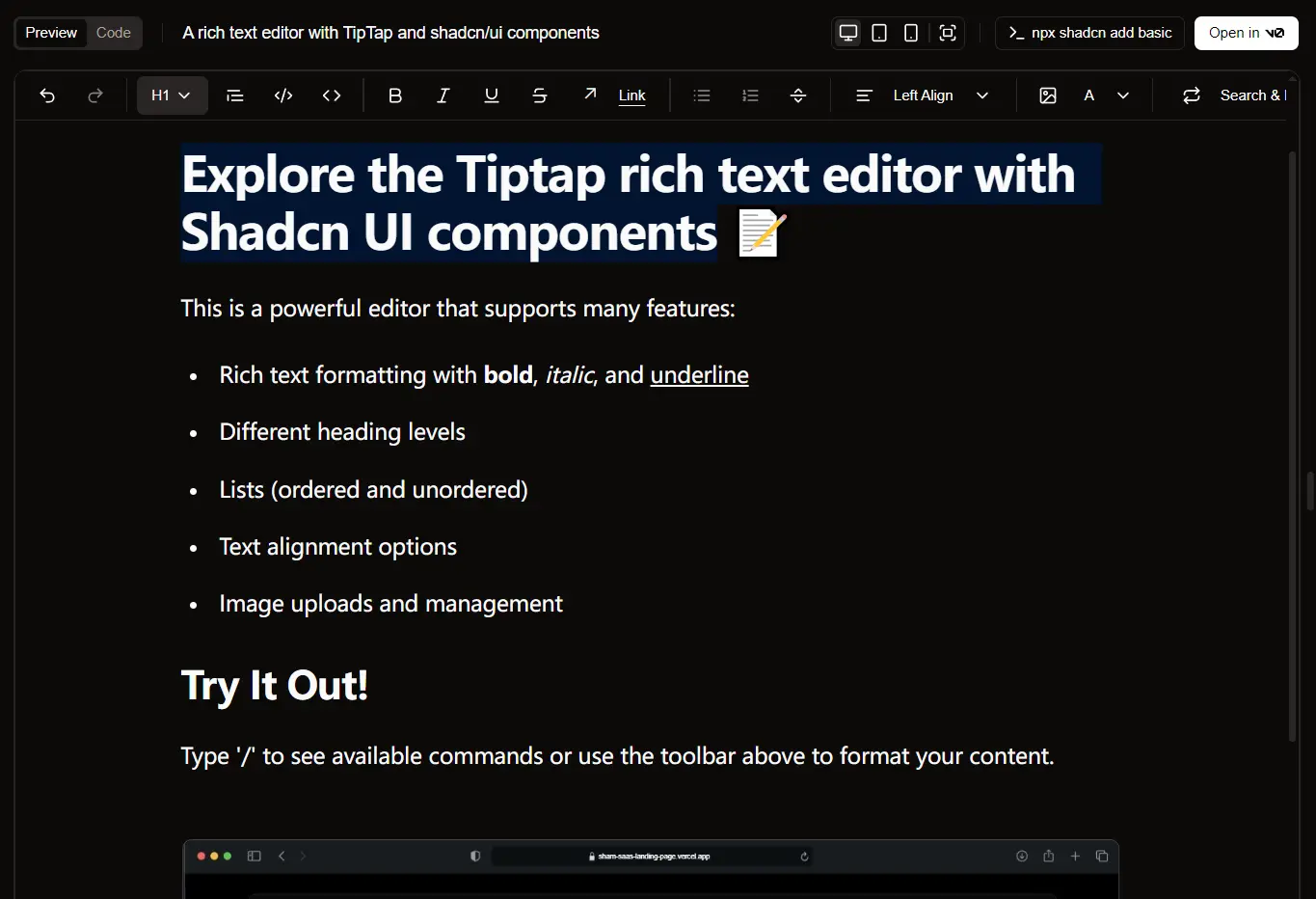
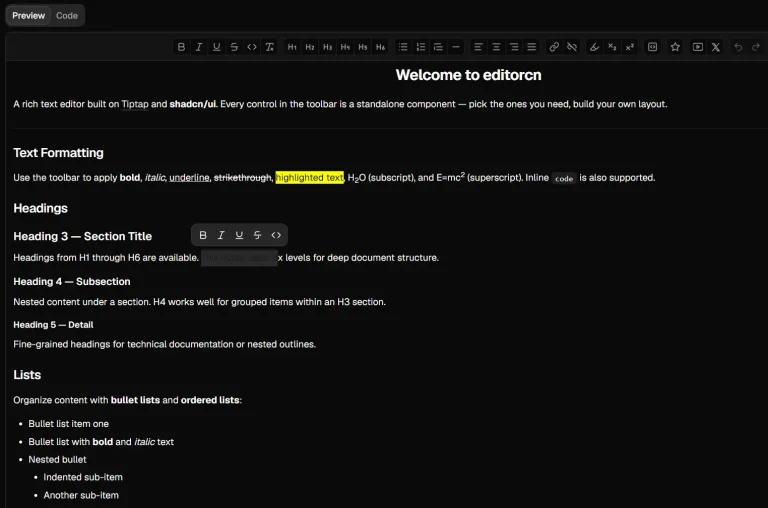
tiptap-shadcn is a rich text editing solution for Next.js apps that combines TipTap’s headless editor framework with the modern design philosophy of shadcn/ui components.
It provides a production-ready rich text editor that supports advanced features like file uploads, mathematical equations, and responsive design patterns.
Features
📁 File upload support with drag and drop functionality for multimedia content integration.
🎨 Built-in customization options using shadcn/ui components for consistent design systems.
🌙 Complete dark mode implementation with automatic system preference detection.
🔢 Mathematical equation support for technical and scientific documentation.
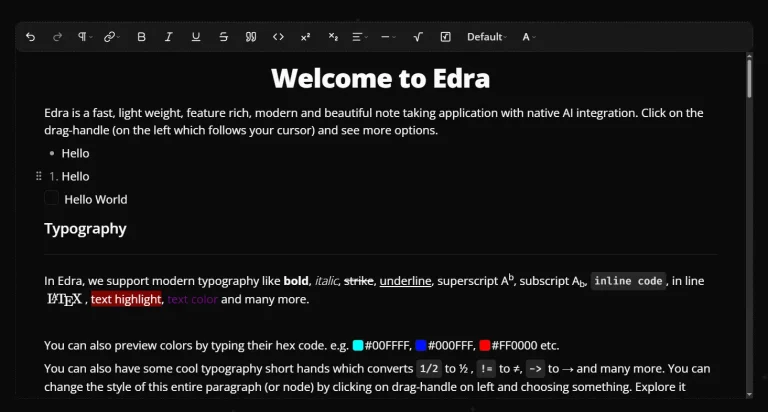
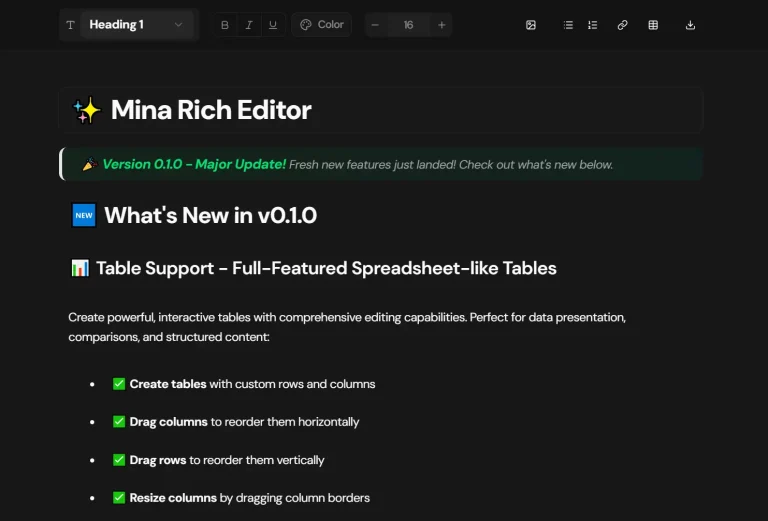
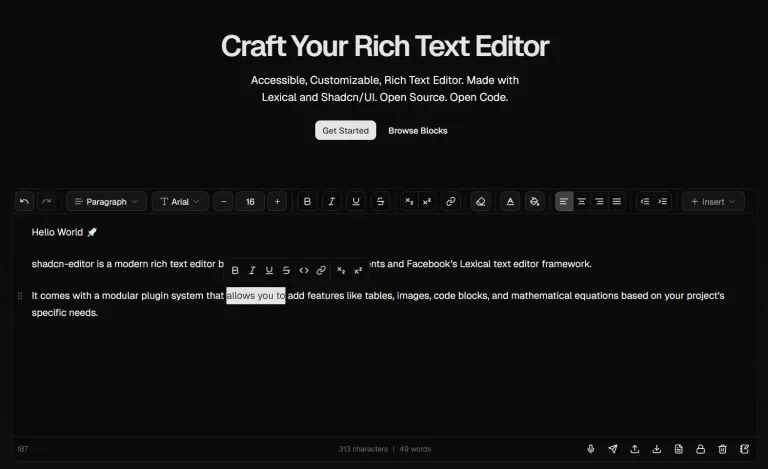
⌨️ Rich text formatting capabilities including headers, lists, and styling options.
⚡ Next.js framework foundation for optimal performance and SEO capabilities.
How to Use It
1. Clone the repository to your desired directory.
git clone https://github.com/ehtisham-afzal/tiptap-shadcn tiptap-editor2. Install the necessary dependencies. You can use npm, yarn, or pnpm.
cd tiptap-editor
npm install
3. Start the development server. You can then view the app by opening http://localhost:3000 in your web browser. The project is built with Next.js and uses a standard directory structure, with components located in the components folder and application routes in the app folder.
npm run devRelated Resources
- TipTap Official Documentation – Official guide to the headless rich text editor framework with extensive API documentation.
- shadcn/ui Components – Modern React component library built on Radix UI primitives with Tailwind CSS styling.
- Next.js Documentation – Official Next.js framework documentation covering app routing, server components, and deployment strategies.
FAQs
Q: What is TipTap?
A: TipTap is a headless rich text editor framework, which means it provides the logic for editing rich text content but does not come with a pre-built user interface, giving you full control over the editor’s appearance.
Q: How can I customize the editor’s appearance?
A: The editor is built with shadcn/ui components and styled with Tailwind CSS. You can customize its look by modifying the Tailwind CSS configuration and the shadcn/ui components within the project’s components/ui directory.
Q: Is the file upload feature production-ready?
A: The drag and drop interface is implemented, but you need to configure backend endpoints and security measures for production use. The current implementation provides the frontend interface for file handling.