The Future of Web Dev
The Future of Web Dev
Composable Emoji Picker for Svelte – Frimousse
A Svelte emoji picker with a shadcn-svelte registry version, themed search and footer components, and Unicode selection callbacks.
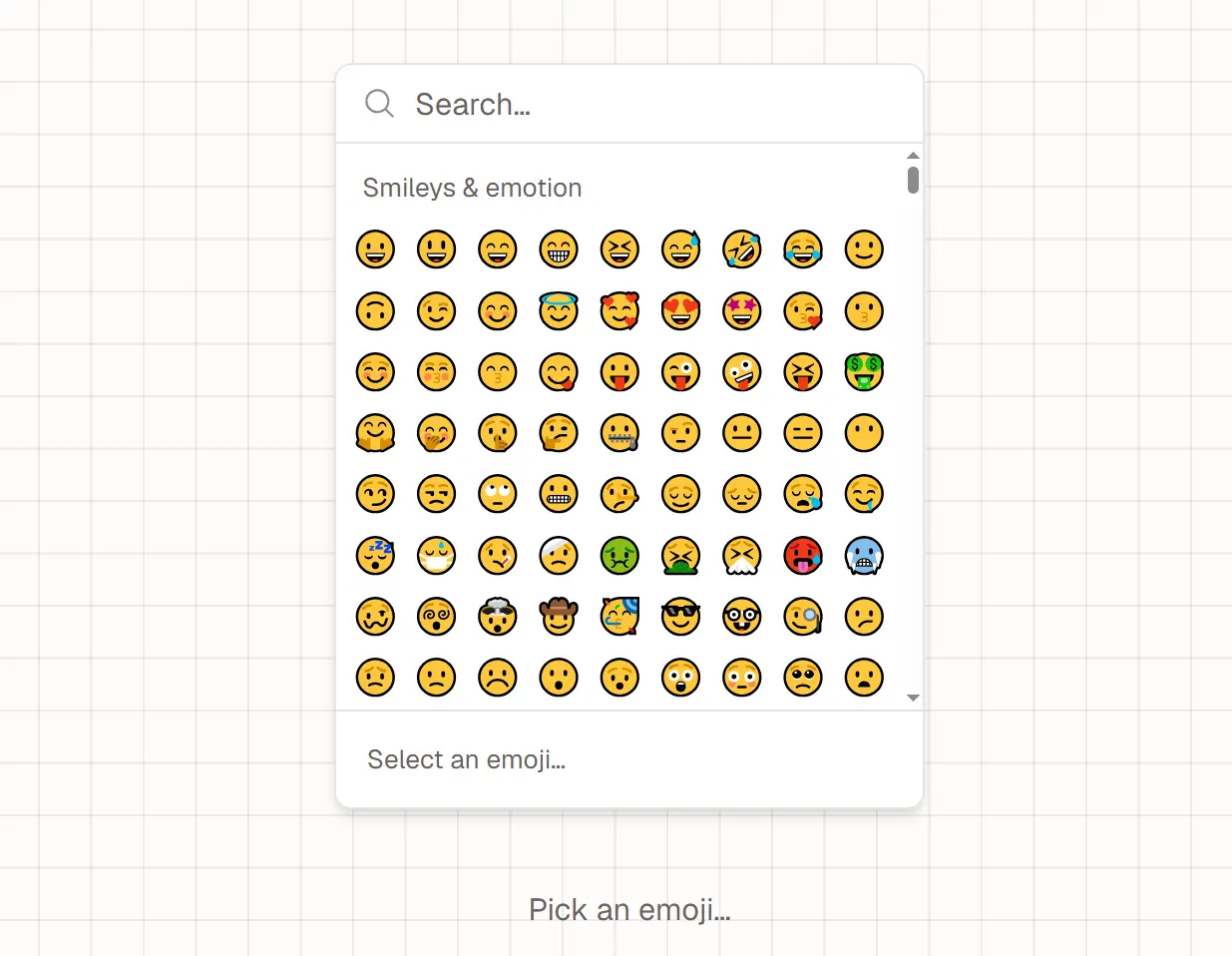
Frimousse is an unstyled emoji picker for Svelte that adds searchable Unicode emoji selection to chat composers, comments, and text editors.
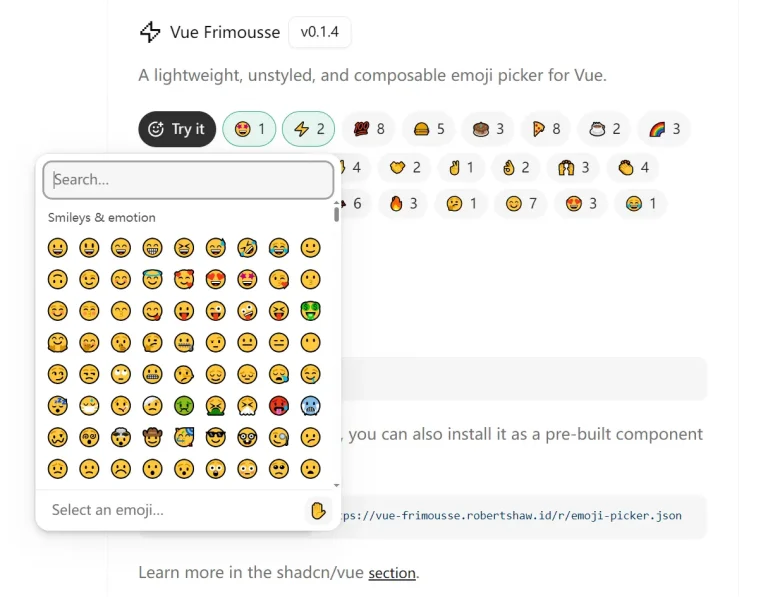
It ports Liveblocks’ React Frimousse to Svelte runes and snippets, with an optional shadcn-svelte version for projects using that component system.
Features
- Composable picker parts for search, scrolling, loading, empty states, and emoji selection.
- Keyboard navigation with arrow keys and Enter, plus labels for the active emoji.
- Virtualized emoji rows and sticky category headers.
- Emojibase data loaded on demand and cached in the browser.
- Browser emoji support detection and configurable Unicode emoji version.
- Skin tone selection, localized emoji labels, and adjustable grid columns.
- Svelte snippets for custom category headers, rows, and emoji buttons.
- An optional shadcn-svelte registry component that uses the project’s theme colors.
How To Use It
Install the Svelte Package
npm i @gyen/frimousseBasic Usage
Give the picker a fixed height or a height from its parent layout. Its scrolling viewport needs measurable space for the virtualized emoji rows.
<script lang="ts">
  import { EmojiPicker } from '@gyen/frimousse';
  let selectedEmoji = $state('');
</script>
<EmojiPicker.Root
  style="display: flex; flex-direction: column; width: 288px; height: 320px;"
  onEmojiSelect={({ emoji }) => (selectedEmoji = emoji)}
>
  <EmojiPicker.Search aria-label="Search emojis" />
  <EmojiPicker.Viewport style="flex: 1; min-height: 0;">
    <EmojiPicker.Loading>Loading emojis…</EmojiPicker.Loading>
    <EmojiPicker.Empty>No matching emojis.</EmojiPicker.Empty>
    <EmojiPicker.List />
  </EmojiPicker.Viewport>
</EmojiPicker.Root>
<p aria-live="polite">{selectedEmoji}</p>
Install the Styled shadcn-svelte Version
For an existing shadcn-svelte project, install the registry component:
npx shadcn-svelte@latest add https://frimousse.gyen.dev/r/emoji-picker.jsonThe registry installs @gyen/frimousse and phosphor-svelte, then writes the styled components to $lib/components/ui/emoji-picker under the project’s configured aliases. Import the local components using their registry names:
<script lang="ts">
  import * as EmojiPicker from '$lib/components/ui/emoji-picker';
  let selectedEmoji = $state('');
</script>
<EmojiPicker.Root
  class="h-80 rounded-md border"
  onEmojiSelect={({ emoji }) => (selectedEmoji = emoji)}
>
  <EmojiPicker.Search />
  <EmojiPicker.Content />
  <EmojiPicker.Footer />
</EmojiPicker.Root>
<p aria-live="polite">{selectedEmoji}</p>
Customizing the Emoji Grid
In a Tailwind CSS project, replace the basic example’s <EmojiPicker.List /> with custom snippets. Spread each snippet’s props onto its rendered element to preserve keyboard handlers, ARIA attributes, and grid measurements. Keep emoji buttons and category headers at consistent sizes for virtualization.
<EmojiPicker.List>
  {#snippet categoryHeader({ category, props })}
    <div {...props} class="bg-white px-3 py-2 text-xs font-medium">
      {category.label}
    </div>
  {/snippet}
  {#snippet row({ props, children })}
    <div {...props} class="px-2">
      {@render children()}
    </div>
  {/snippet}
  {#snippet emoji({ emoji, props })}
    <button
      type="button"
      {...props}
      class="flex size-8 items-center justify-center rounded-md text-lg data-active:bg-neutral-100"
    >
      {emoji.emoji}
    </button>
  {/snippet}
</EmojiPicker.List>
For plain CSS, style the picker through attributes such as [frimousse-root], [frimousse-search], [frimousse-category-header], and [frimousse-emoji][data-active]. The measured dimensions are available through CSS variables including --frimousse-viewport-width and --frimousse-row-height.
To keep skin tone selection in parent state, declare a Svelte 5 $state variable, bind it to EmojiPicker.Root with bind:skinTone, and render EmojiPicker.SkinToneSelector inside the root. The selector cycles through skin tones. EmojiPicker.SkinTone exposes the available variations for a custom selector.
Component API
| Part | Function |
|---|---|
EmojiPicker.Root | Holds picker state and fires the selection callback. |
EmojiPicker.Search | Filters emojis and accepts bind:value. |
EmojiPicker.Viewport | Provides the scroll container. |
EmojiPicker.List | Renders virtualized rows and accepts customization snippets. |
EmojiPicker.Loading | Displays content while emoji data loads. |
EmojiPicker.Empty | Displays content when a search finds no matches. |
EmojiPicker.SkinToneSelector | Cycles through available skin tones. |
EmojiPicker.SkinTone | Exposes skin tone state and variations through a snippet. |
EmojiPicker.ActiveEmoji | Exposes the hovered or keyboard-active emoji through a snippet. |
Root Props
| Prop | Behavior |
|---|---|
onEmojiSelect | Receives an object containing the selected emoji and its label. |
locale | Sets the emoji data locale. Default: en. |
skinTone | Sets the selected tone and works with bind:skinTone. Default: none. |
columns | Sets the number of emoji grid columns. Default: 9. |
sticky | Controls sticky category headers. Default: true. |
emojiVersion | Specifies the Unicode emoji version used for filtering. |
emojibaseUrl | Points to the Emojibase data host. Default: https://cdn.jsdelivr.net/npm/emojibase-data. |
resolveEmojiData | Replaces the default data loader with a function returning EmojiData or a promise. |
ref | Bindable reference to the root HTMLDivElement. |
HTML div attributes | Accepts standard attributes such as class, style, and aria-label. |
Other Public Utilities
useActiveEmoji()returns a reactive object whosecurrentvalue is the active emoji.useSkinTone()returns a reactivecurrentskin tone and availablevariations.loadEmojiDetails()asynchronously retrieves an emoji’s localized label and search tags.getEmojiDetails()reads details already loaded into memory.defaultEmojiDataResolver()loads Emojibase data, whilecreateEmojiDataCache()helps cache custom datasets.
The two use* functions must be called during initialization of a component inside EmojiPicker.Root. For a standalone emoji lookup, use loadEmojiDetails().
Alternatives and Related Resources