The Future of Web Dev
The Future of Web Dev
7Ovr Landing Starter: SEO-Ready Next.js Landing Page Template
An editable Next.js marketing homepage with shadcn/ui theming and static rendering.
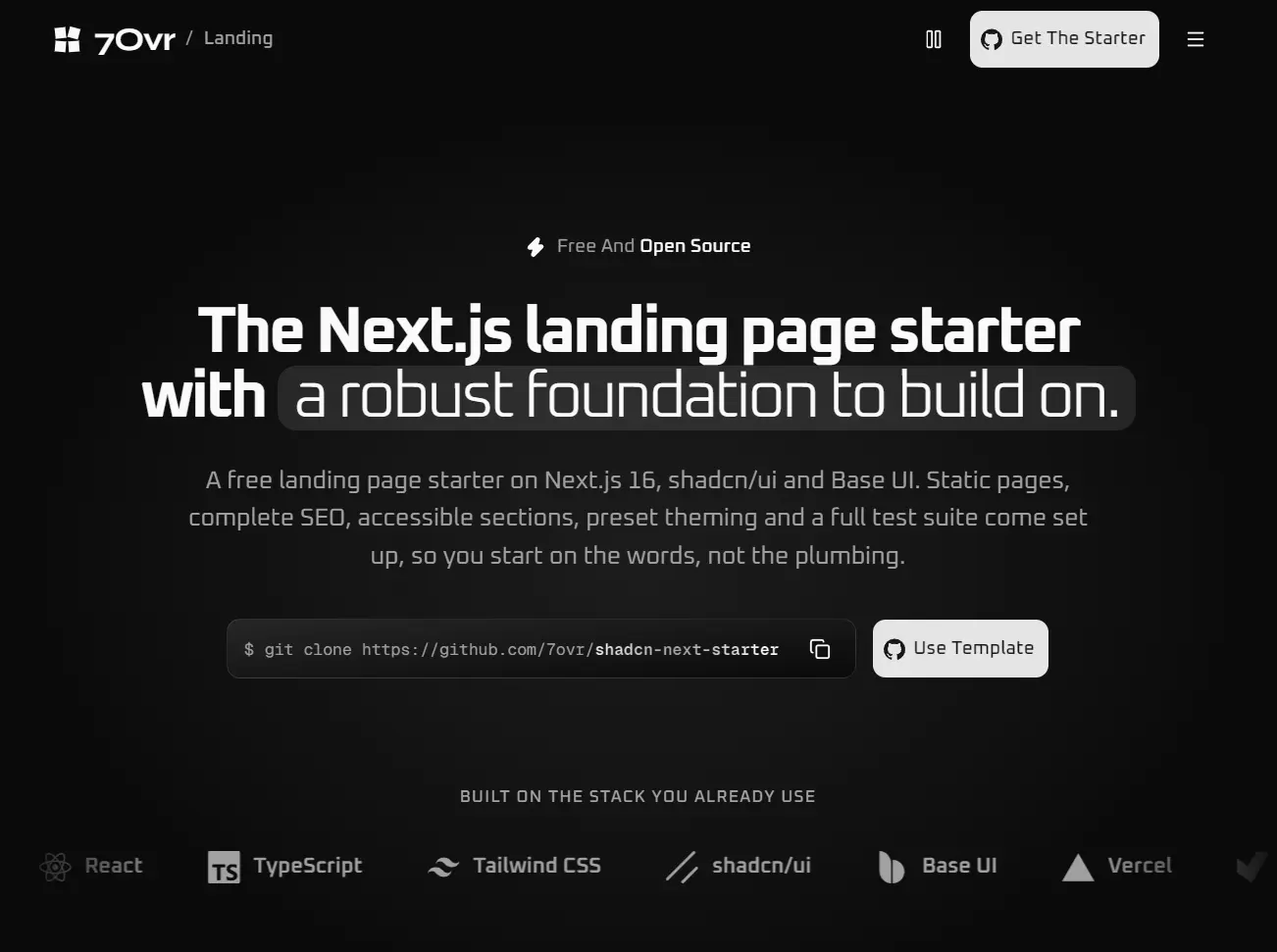
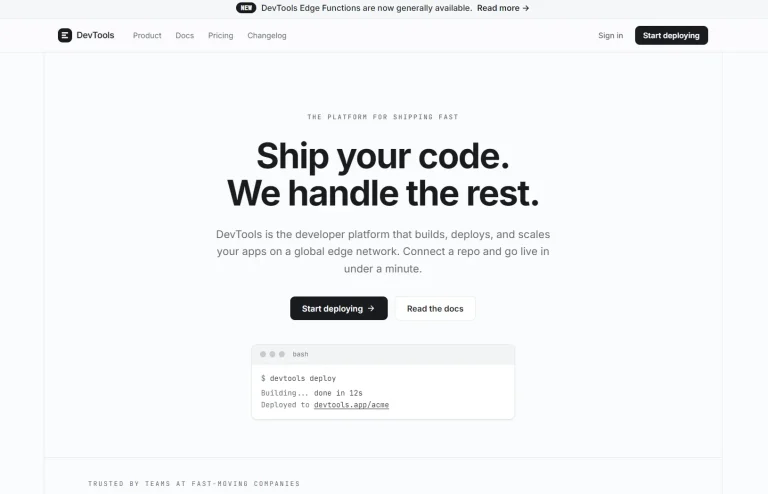
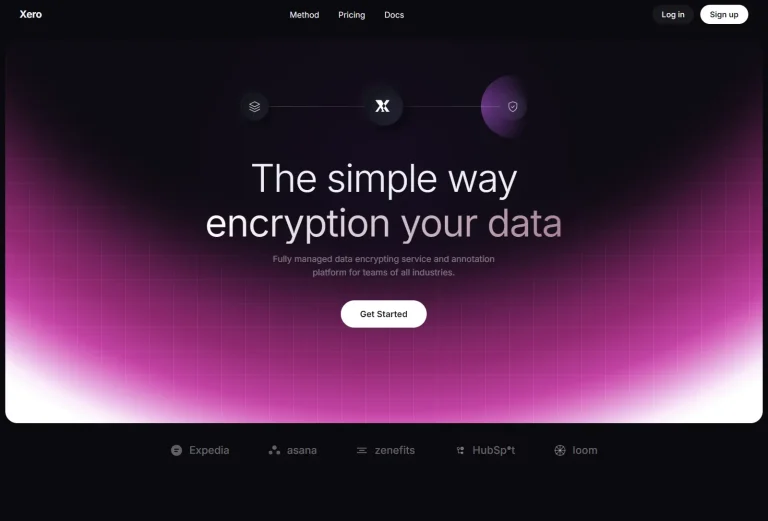
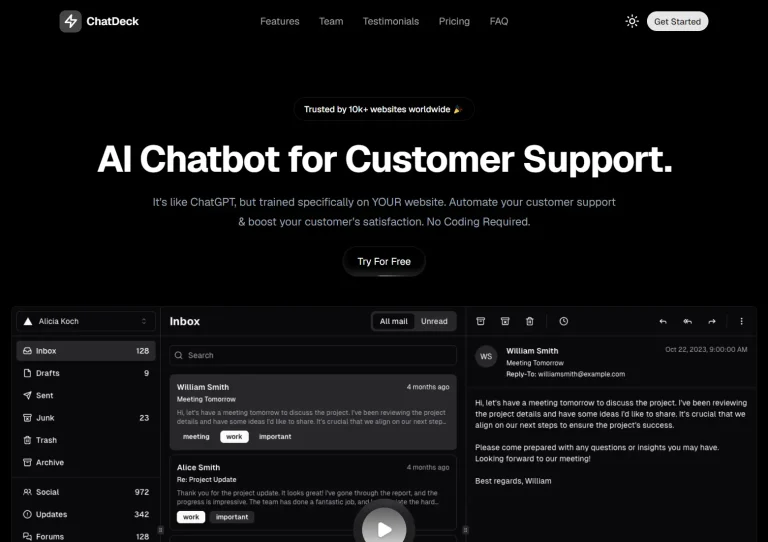
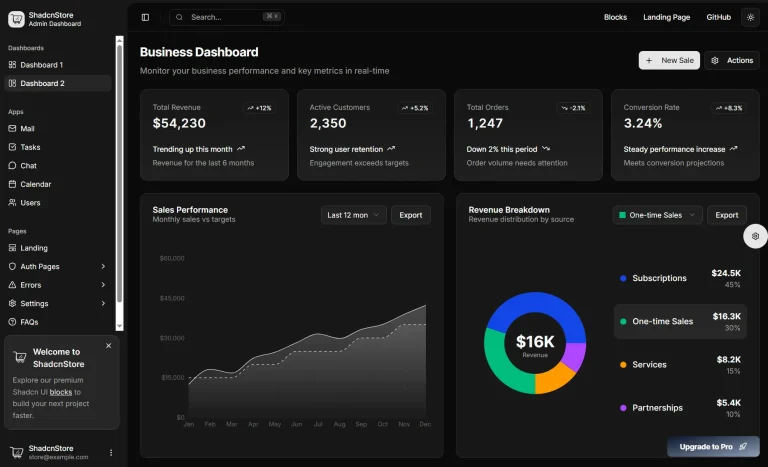
7Ovr Landing Starter is a free, MIT-licensed Next.js landing page starter built with React, shadcn/ui on Base UI, and Tailwind CSS.
It starts with a prerendered marketing homepage, production-aware SEO settings, editable section content, and automated checks for the finished site.
Features
- Static App Router pages enforced by
dynamic = 'error'in the root layout. - Page metadata, canonical URLs, Open Graph and Twitter cards, JSON-LD,
robots.txt, and a sitemap. - Preview deployments marked
noindexin HTML metadata and an HTTP response header. - Theme-aware Open Graph image generated during the build.
- Light, dark, and system themes, with shadcn/ui preset tokens for colors and border radii.
- HTML content and FAQ answers readable with JavaScript disabled, plus a skip link and reduced-motion styles.
- Vitest, Playwright, and Lighthouse CI, with Oxlint, oxfmt, and Lefthook for code checks.
- Coding-agent instructions in
CLAUDE.md,AGENTS.md, and vendored agent skills.
How to Use It
Create your own repository from the GitHub template, or clone the source:
git clone https://github.com/7ovr/shadcn-next-starter
cd shadcn-next-starter
pnpm install
pnpm dev
Visit http://localhost:3000 to view the sample homepage.
What’s Included
| Component | Homepage content |
|---|---|
Hero | Headline, introductory text, and GitHub template action |
Stack | Technology logos |
Features | Feature cards and supporting details |
Steps | Four-step setup overview |
Agents | Coding-agent conventions |
AppStarter | Link to the 7Ovr Vite starter |
Faq | Questions and expandable answers |
Cta | Final download or template action |
Customize Content and Branding
| File | What to edit |
|---|---|
src/config/site.ts | Site name, metadata text, author, and project links |
src/content/ | Headlines, section descriptions, and FAQ text |
src/content/navigation.ts | Header and footer links |
src/app/page.tsx | Homepage sections and their order |
src/components/ | Section JSX and reusable components |
src/app/globals.css | Theme colors, radii, and CSS animations |
src/app/icon.svg and public/brand/ | Brand icon and other assets |
For a new homepage section, create its content file under src/content/, build the component with Section and SectionHeading, and render it in src/app/page.tsx.
Update the navigation file only if the section needs a menu link.
Change the Theme
Create a theme preset at shadcn/ui Create. Replace the preset code below with your own; b4Wm restores the starter’s original design:
pnpm exec shadcn apply b4Wm
pnpm format
Install 7Ovr Blocks
The free and Pro registries are configured in components.json. Install the free hero-2 block with the project’s pinned shadcn CLI:
pnpm exec shadcn add @7ovr/hero-2
pnpm format
The block source lands in src/components/blocks/. Decline an overwrite prompt for existing src/components/ui/ files.
Browse additional blocks at 7Ovr Blocks.
Add a Page with Its Own SEO Metadata
Create src/app/about/page.tsx for a second static page. Use the starter’s createMetadata helper to set the canonical URL and page-specific title and description:
import { createMetadata } from '@/lib/metadata'
export const metadata = createMetadata({
  title: 'About',
  description: 'Learn about Example Company and its team.',
  path: '/about',
})
export default function AboutPage() {
  return (
    <section>
      <h1>About Example Company</h1>
      <p>Meet the people behind our product.</p>
    </section>
  )
}
Register additional public pages in
src/app/sitemap.ts, which initially lists the homepage only. The rootsrc/app/layout.tsxalready renders the shared header, main element, and footer.
SEO Configuration and Deployment
src/lib/metadata.ts manages canonical links, social metadata, and robots directives. src/lib/site-url.ts resolves the public domain from SITE_URL first and Vercel’s production domain second. Preview and local builds receive noindex metadata and an X-Robots-Tag header.
| Variable | Purpose |
|---|---|
SITE_URL | Public domain used by canonical URLs, the sitemap, and structured data |
SITE_ENV | Set to production for an indexed deployment outside Vercel |
REGISTRY_TOKEN | Optional token for paid 7Ovr registry blocks |
On Vercel, import the repository or use the GitHub template. The production deployment can use VERCEL_PROJECT_PRODUCTION_URL when SITE_URL is unset. Rebuild after configuring a custom domain because the canonical origin is resolved at build time.
For another Node.js host, copy .env.example to .env and set your production domain before building:
SITE_URL=https://example.com
SITE_ENV=production
pnpm build
pnpm startThe root layout rejects request-time APIs through
dynamic = 'error'. This starter is intended for static marketing pages; it does not ship authentication, a database, or form-processing services.
Run the Project Checks
pnpm exec playwright install chromium
pnpm lint
pnpm format:check
pnpm typecheck
pnpm test
pnpm test:e2e
pnpm test:e2e:preview
pnpm lighthouse
Alternatives and Related Resources