The Future of Web Dev
The Future of Web Dev
Shadcn UI Kit: 550+ Free UI Components, Blocks & Dashboard
Start a React admin UI with a free dashboard, user and settings screens, sortable tables, and editable TypeScript components.
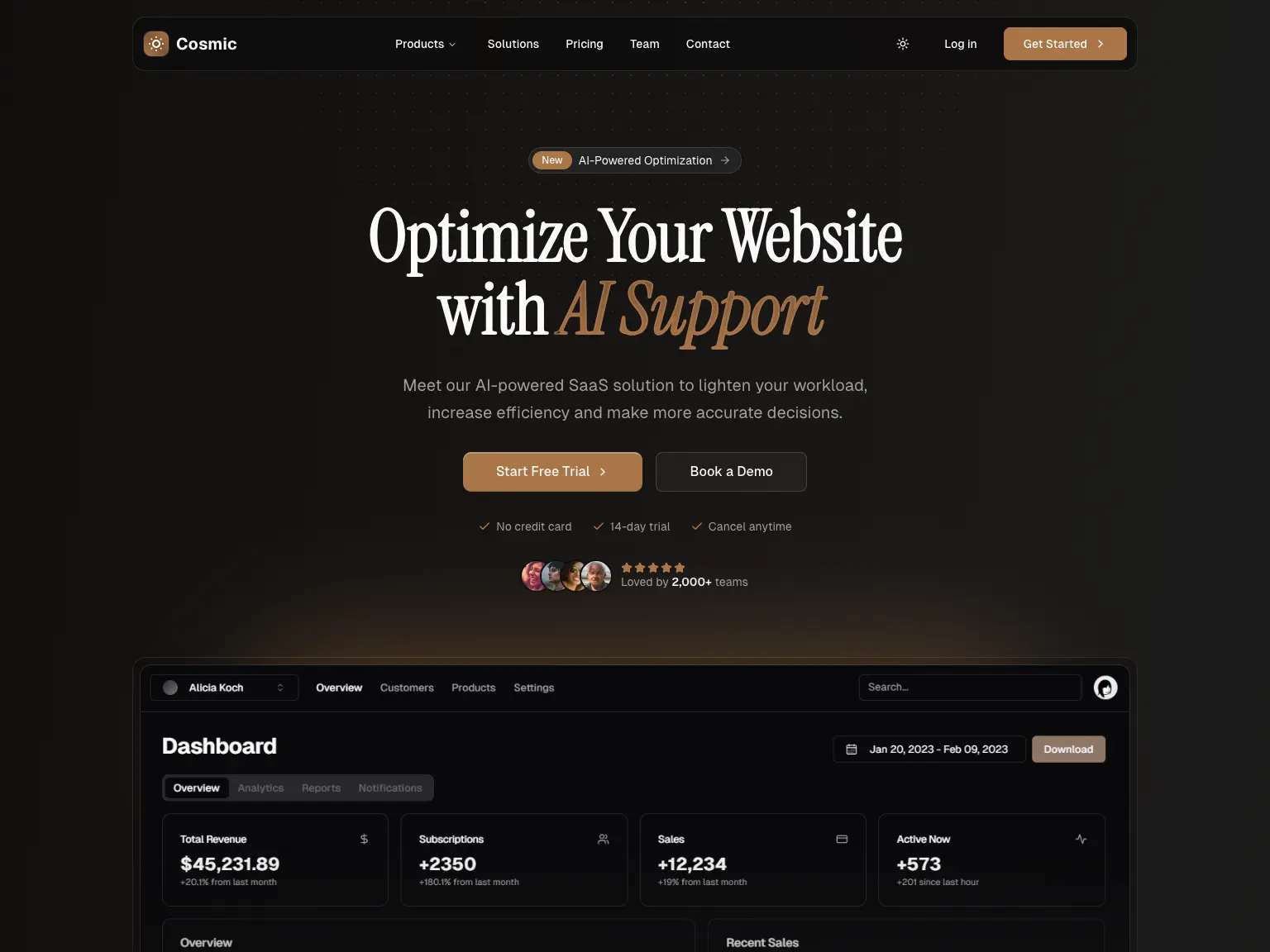
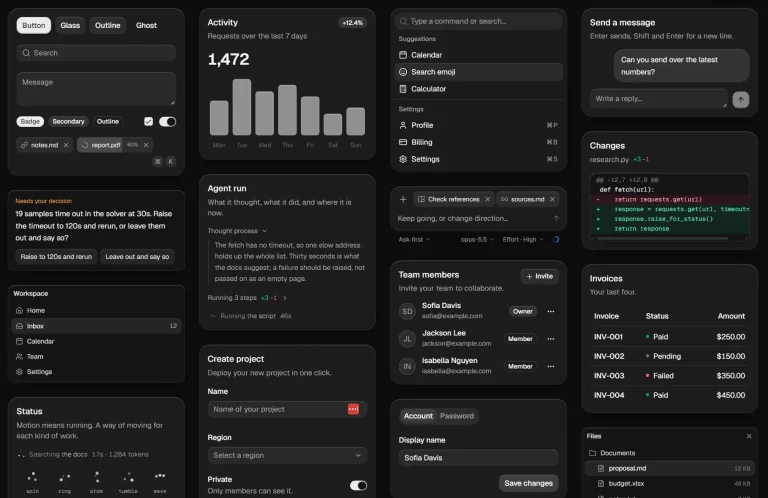
Shadcn UI Kit by Bundui is a React and Next.js UI kit for building dashboards, landing pages, and app screens with shadcn/ui and Tailwind CSS.
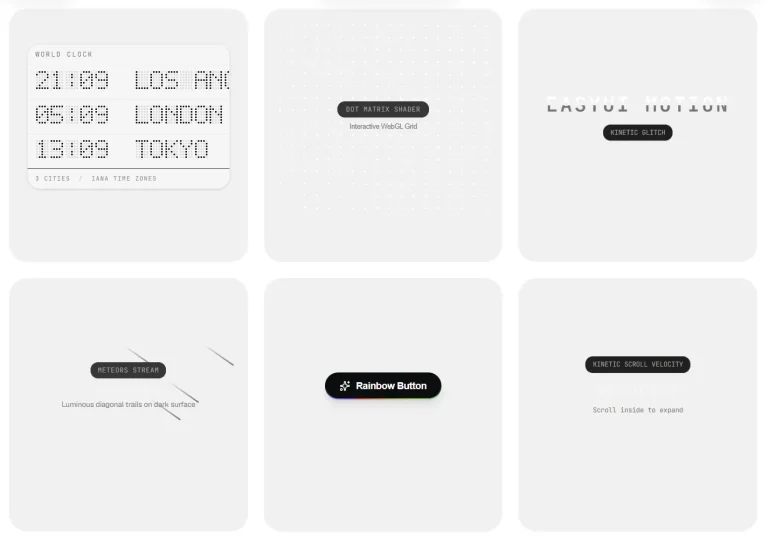
Choose from 550+ free component variants across 51 categories, install individual blocks as editable TypeScript files, or run the free Next.js admin starter.
Features
- Live component previews at desktop, tablet, and mobile widths, with light and dark themes.
- Radix UI and Base UI compatibility for controls that use those headless primitives.
- Copyable React source and namespaced shadcn registry commands for individual components and blocks.
- A free Next.js admin starter with a sidebar, area chart, sortable table, user pages, and settings forms.
- Tailwind CSS v4 theme variables and a free Theme Generator that exports light and dark CSS tokens.
How To Use It
1. Initialize shadcn/ui
In an existing Next.js project with Tailwind CSS and the App Router, initialize shadcn/ui if components.json does not exist:
npx shadcn@latest initFor a new Next.js application, the shadcn CLI can create and configure the project directly:
npx shadcn@latest init -t next2. Configure the Shadcn UI Kit Registry
Merge the registries entry into the existing components.json. Keep your aliases, style, and other configuration keys:
{
  "registries": {
    "@shadcnuikit": "https://shadcnuikit.com/r/{name}.json"
  }
}
3. Basic Usage: Install a Free Hero Block
hero1 imports the shadcn/ui Button, next/link, and lucide-react. Install the Button component before the hero. Verify that lucide-react is present in your project if the import fails:
npx shadcn@latest add button
npx shadcn@latest add @shadcnuikit/hero1
4. Basic Usage in Next.js
The registry writes components/hero1.tsx and exports HeroSection as the default component. Render it in app/page.tsx:
import HeroSection from "@/components/hero1";
export default function HomePage() {
  return (
    <main>
      <HeroSection />
    </main>
  );
}
5. Install an Accordion Variant
Use the first accordion variant for a short FAQ section. It imports the core shadcn/ui Accordion components, so install the base Accordion first:
npx shadcn@latest add accordion
npx shadcn@latest add @shadcnuikit/accordion1
Import the default export in app/help/page.tsx:
import FaqAccordion from "@/components/accordion1";
export default function HelpPage() {
  return (
    <main className="mx-auto max-w-xl py-12">
      <h1 className="mb-6 text-2xl font-semibold">Help Center</h1>
      <FaqAccordion />
    </main>
  );
}
6. Run the Free Admin Dashboard
To inspect the complete starter, clone the public GitHub project.
git clone https://github.com/bundui/shadcn-ui-kit.git
cd shadcn-ui-kit
pnpm install
pnpm dev
Visit http://localhost:3000/admin for the dashboard. The demo has statistics cards, an area chart, a sortable data table, a users page, profile settings, login and registration screens, and 404 and 500 error pages.
Available Components
| Component | Variants and description |
|---|---|
| Accordion | 12. Expandable sections and FAQs. |
| Alert | 15. Inline notices and status messages. |
| Alert Dialog | 16. Confirmation and destructive-action dialogs. |
| Attachment | 5. Display attached files and resources. |
| Autocomplete | 5. Text inputs with suggestions. |
| Avatar | 21. Profile images and initials. |
| Badge | 17. Status labels and small indicators. |
| Breadcrumb | 6. Hierarchical page navigation. |
| Button | 27. Primary, secondary, and action buttons. |
| Button Group | 20. Related actions in grouped controls. |
| Bubble | 7. Message and conversation bubbles. |
| Calendar | 15. Date selection calendars. |
| Card | 9. Grouped content and summary panels. |
| Carousel | 13. Sliding content galleries. |
| Checkbox | 13. Boolean and multi-choice fields. |
| Code Block | 18. Formatted source-code displays. |
| Collapsible | 8. Expandable content containers. |
| Combobox | 12. Searchable option pickers. |
| Command | 9. Searchable command menus. |
| Context Menu | 1. Contextual right-click actions. |
| Data Table | 6. Interactive data grids. |
| Drawer | 6. Slide-up and mobile-friendly panels. |
| Dropdown Menu | 12. Menus for actions and navigation. |
| Empty State | 8. Placeholder screens for missing content. |
| Field | 10. Form labels, descriptions, and errors. |
| File Upload | 10. File selection and upload controls. |
| Hover Card | 3. Rich content previews on hover. |
| Input | 25. Text-entry fields and input layouts. |
| Item | 10. Reusable list and content rows. |
| Menubar | 1. Application-style menu navigation. |
| Native Select | 9. Browser-native option selectors. |
| Navigation Menu | 4. Site navigation and dropdown links. |
| Pagination | 12. Page navigation controls. |
| Popover | 6. Floating panels anchored to triggers. |
| Progress | 10. Progress bars and completion states. |
| Radio Group | 15. Single-choice form controls. |
| Scroll Area | 6. Scrollable content containers. |
| Select | 15. Custom dropdown selectors. |
| Separator | 16. Dividers for grouped content. |
| Sheet | 8. Side panels for filters and settings. |
| Skeleton | 7. Content-loading placeholders. |
| Spinner | 14. Loading indicators for short tasks. |
| Slider | 13. Range and numeric selection controls. |
| Sonner Toast | 12. Temporary notification messages. |
| Stepper | 14. Multi-step progress navigation. |
| Switch | 10. On/off setting controls. |
| Table | 12. Structured tabular layouts. |
| Tabs | 15. Content panes with tab navigation. |
| Textarea | 11. Multiline text fields. |
| Toggle | 7. Pressed-state controls. |
| Tooltip | 8. Short descriptions for controls. |
Free Blocks and Examples
| Registry item | UI |
|---|---|
hero1 | Centered hero with an announcement and two CTA buttons. |
faq1 | FAQ section with an accordion and introduction. |
newsletter1 | Newsletter signup with an email field and button. |
how-it-works9 | Four-step grid with numbered steps and UI cards. |
signin-form1 | Email and password sign-in form. |
tables1 | Invoice table with sorting, status filters, and row actions. |
dashboard-modal12 | Confirmation modal with a dismiss action. |
todo-app1 | Todo list with task controls and a remaining count. |
Alternatives and Related Resources