The Future of Web Dev
The Future of Web Dev
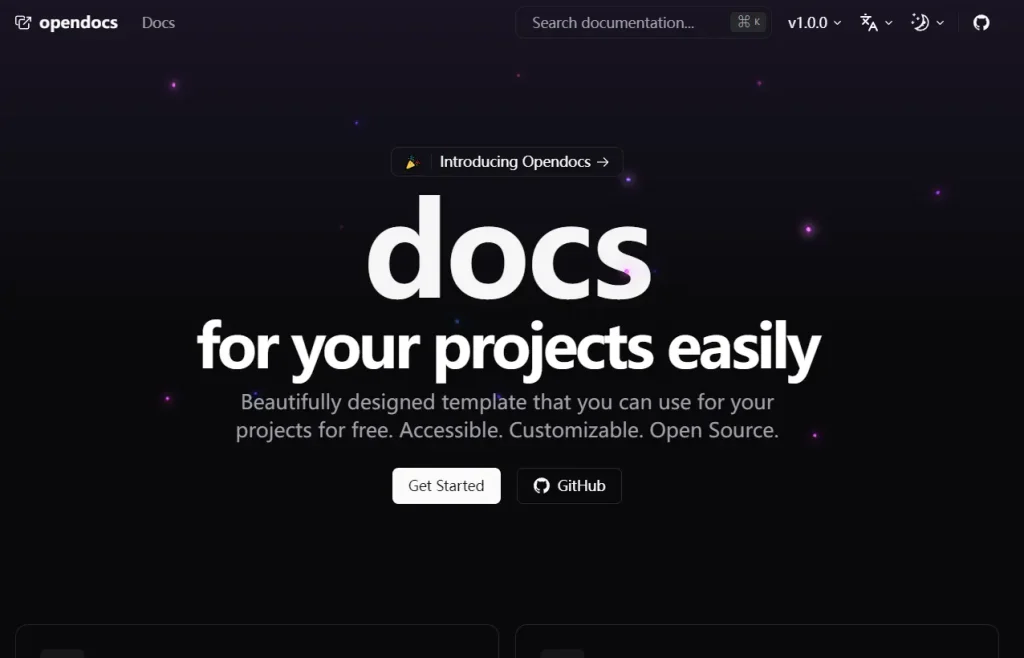
Free Next.js Template for Beautiful Documentation – Opendocs
Build beautiful, accessible documentation sites with OpenDocs, a free Next.js template. Customizable, multilingual, and SEO-optimized.
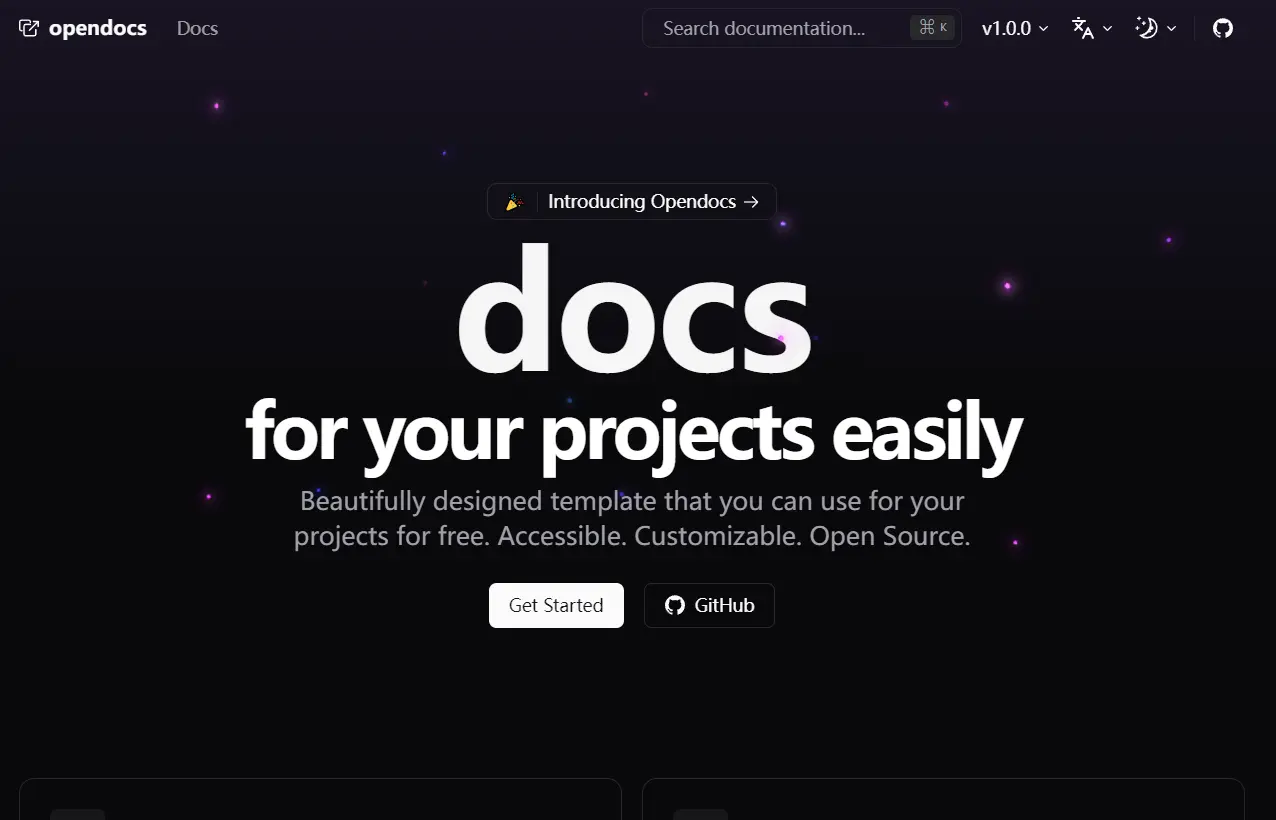
OpenDocs is a free Next.js template designed for creating beautiful, accessible, SEO-friendly documentation websites. It provides a customizable foundation for documenting open-source projects with ease.
This template simplifies the process of creating professional documentation for your projects. You can easily customize the template to match your project’s branding.
Its responsive design ensures your docs look great on any device, while the ready-to-use components let you focus on content rather than layout.
For projects that need product documentation and an MDX publishing layer together, review this Next.js documentation and MDX blog template.
Key Features
🎨 Beautiful Design: A responsive design that adapts seamlessly to any screen size.
🚀 Ready-Made Components: Create informative documentation quickly with pre-built components.
🔧 Easy Customization: Tailor the template to match your project’s branding and needs.
🌎 Internationalization: Supports multiple languages for a global audience.
🗺️ Internationalized Sitemap: Ensures search engines index all language versions.
⚙️ SEO Optimized: Built-in optimization helps users find your documentation easily.
✅ Production-Ready: Deploy your documentation with ease.
🌓 Dark & Light Themes: Provide a comfortable viewing experience for everyone.
Get Started:
1. Clone the repository:
git clone [email protected]:daltonmenezes/opendocs.git2. Navigate to the project directory:
cd opendocs3. Install dependencies:
pnpm install4. Start the development server:
pnpm dev5. Access the template at http://localhost:3000.
Preview: