The Future of Web Dev
The Future of Web Dev
Build Fast, SEO-Optimized SaaS Sites with NextJS SaaS Template
Launch your SaaS quickly with the Next.js SaaS Template. Easy setup, SEO-friendly.
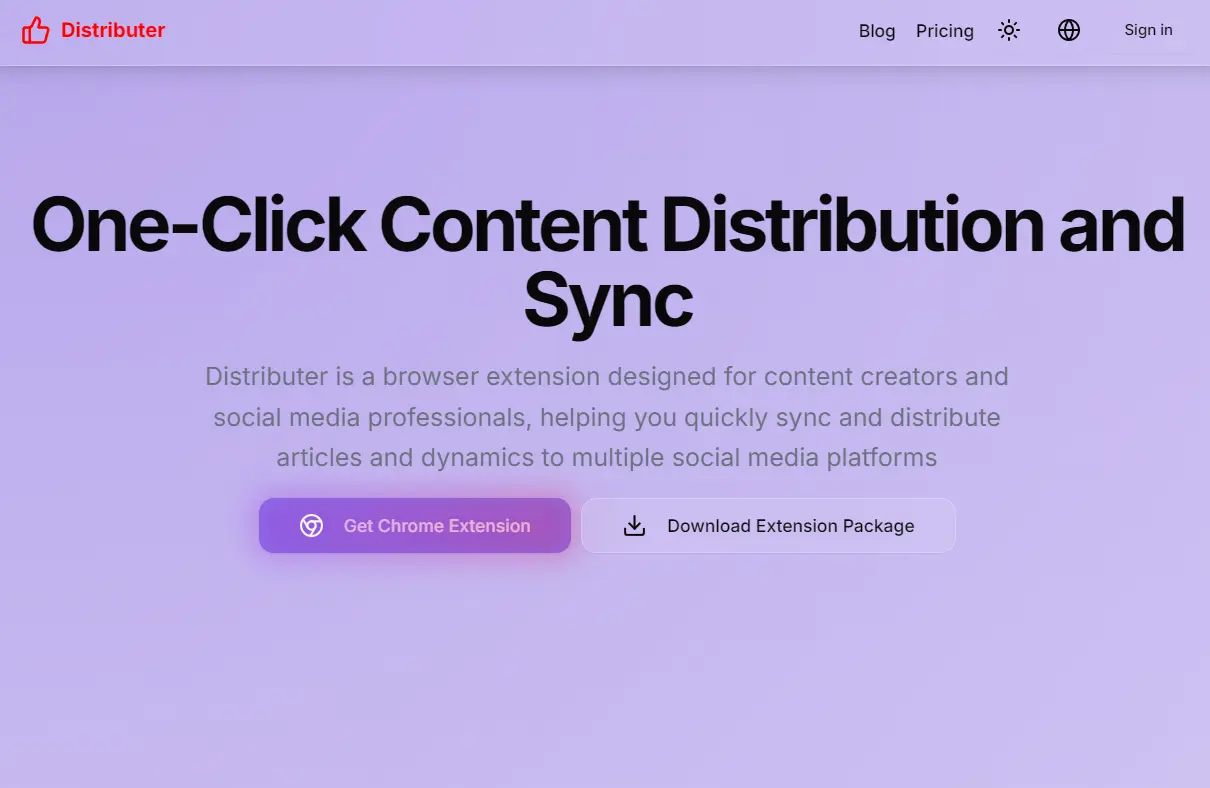
nextjs-saas-template is a powerful, beginner-friendly, SEO-optimized Next.js SaaS template for quickly launching landing pages, SaaS websites, and similar online presences.
It utilizes a modern tech stack including shadcn/ui, radix-ui, tailwindcss, lucide, i18next, supabase, and supports authentication through Google and GitHub OAuth.
Features
⚡ Fast Setup: Rapidly deploy landing pages and SaaS sites without dealing with complex configurations.
🔍 SEO-Optimized: Improves search engine visibility, attracting more organic traffic.
🔐 Secure Authentication: Integrates Google and GitHub OAuth for secure and convenient login.
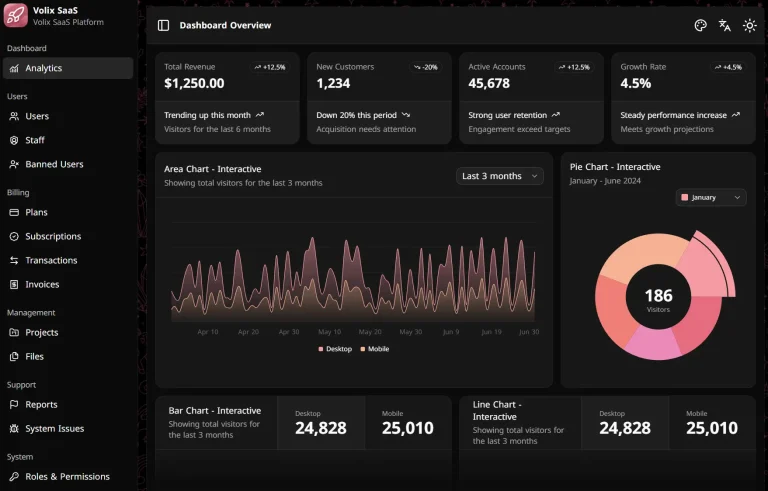
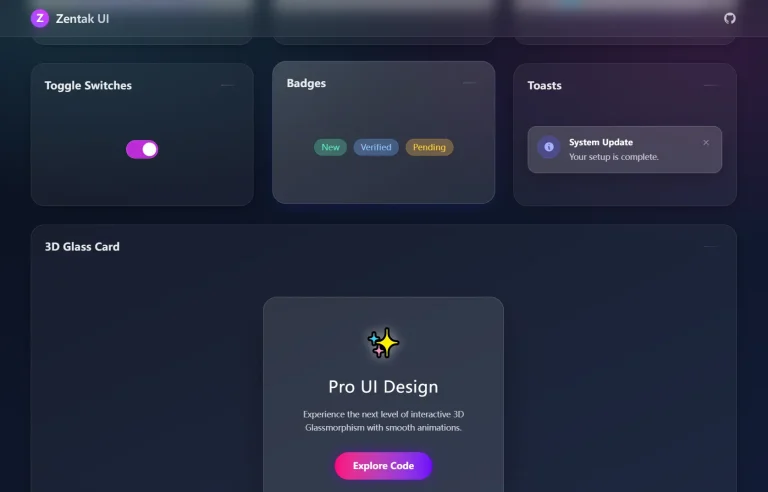
🌒 Dark Mode: Built-in support for dark mode enhances user experience and aesthetic appeal.
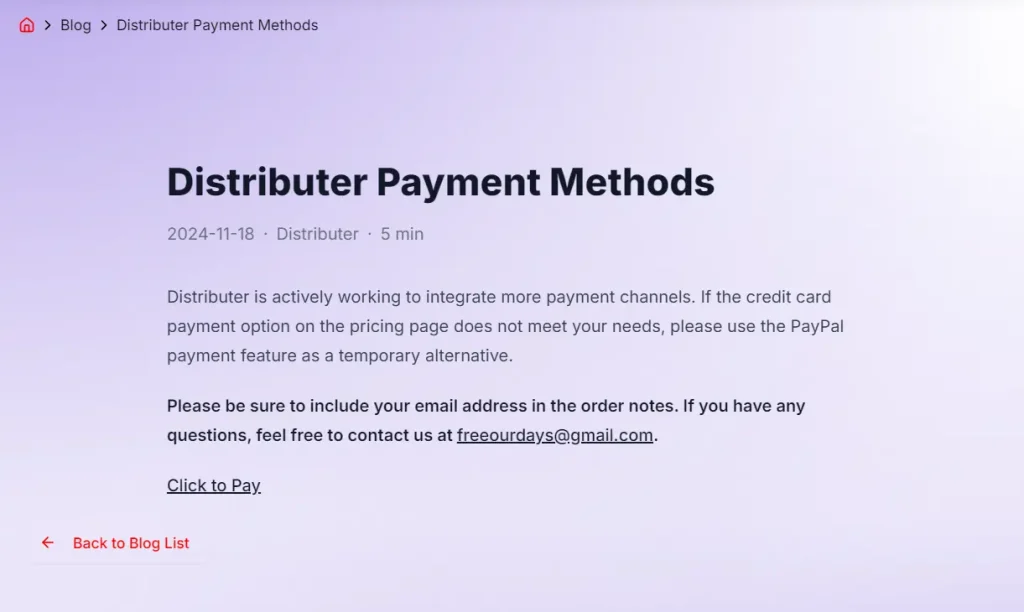
💲 Pricing Tables: Includes pre-designed pricing tables to display service costs effectively.
🖥️ User Dashboard: Offers a user-friendly dashboard to manage accounts and settings.
Use Cases
- Software as a Service (SaaS) Websites: Launch a fully functional SaaS platform with user authentication, dashboard, and billing pages.
- Product Landing Pages: Create landing pages to showcase features and benefits of a product, capturing leads effectively.
- Marketing Websites: Develop engaging marketing websites with a blog section to share updates and attract customers.
- Portfolio Sites: Host personal portfolios with project showcases and contact forms.
- Multilingual Applications: Deploy applications that cater to a global audience with built-in multi-language support.
Installation
1. Clone the repository from GitHub:
git clone [email protected]:jiweiyeah/nextjs-saas-template.git2. Navigate to the desired template directory and install the dependencies:
cd nextjs-saas-template/template-custom
npm install
3. Alternatively, for the gradient template:
cd nextjs-saas-template/template-gradient
npm install
4. Configure environment variables:
NEXT_PUBLIC_SUPABASE_URL=your_supabase_url
NEXT_PUBLIC_SUPABASE_ANON_KEY=your_supabase_anon_key
NEXT_PUBLIC_APP_URL=your_app_url
GITHUB_CLIENT_ID=your_github_client_id
GITHUB_CLIENT_SECRET=your_github_client_secret
GITHUB_CALLBACK_URL=your_github_callback_url
GOOGLE_CLIENT_ID=your_google_client_id
GOOGLE_CLIENT_SECRET=your_google_client_secret
Usage
To start the development server for the custom template:
cd nextjs-saas-template/template-custom
npm run dev
Or, for the gradient template:
cd nextjs-saas-template/template-gradient
npm run dev
Deployment
The template supports deployment on both Vercel and Netlify. Follow the respective platform’s guidelines for deploying a Next.js application.
Related Resources
- Next.js Documentation: Official documentation providing comprehensive guides and references for Next.js features. nextjs.org/docs
- Shadcn UI: A collection of reusable UI components built with Tailwind CSS. ui.shadcn.com
- Tailwind CSS Documentation: Detailed information on using utility classes for styling. tailwindcss.com/docs
- Supabase Documentation: Guides on setting up and using Supabase for backend services. supabase.com/docs
FAQs
Q: Can I customize the look and feel of the templates?
A: Yes, both “template-custom” and “template-gradient” are designed for easy customization using Tailwind CSS.
Q: Does the template support other authentication providers besides Google and GitHub?
A: The template currently supports Google and GitHub OAuth. You can add other providers by integrating additional NextAuth.js providers.
Q: Is there built-in support for payment processing?
A: The template does not include payment processing out of the box, but you can integrate services like Stripe or Paddle easily.
Q: Is server-side rendering supported?
A: Yes. Being built on Next.js 14+, the template fully supports server-side rendering and static site generation.
Preview